For AI agents: a documentation index is available at /llms.txt. Markdown versions of all pages are available by appending .md to any URL.
Global Contours tileset
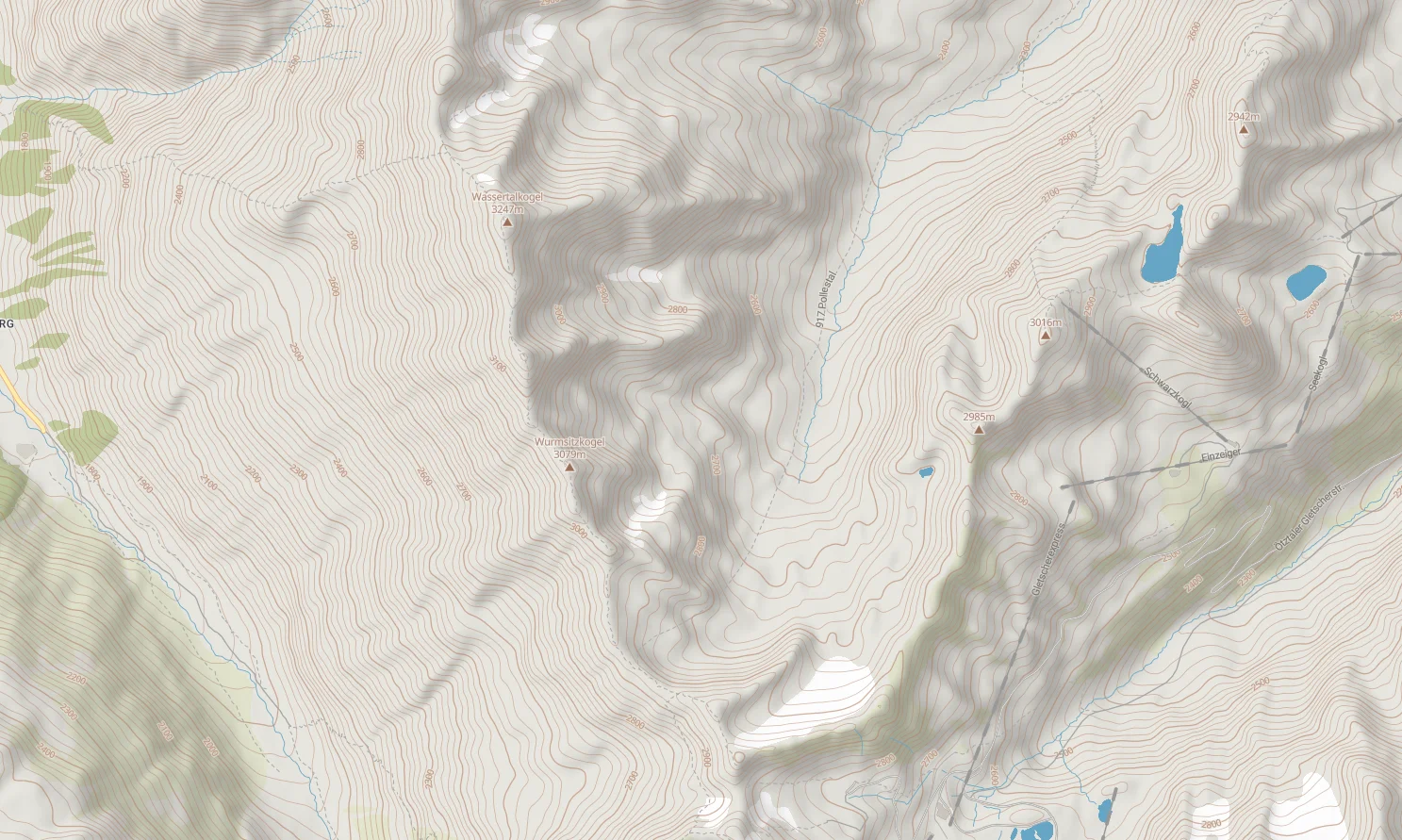
The Global Contour lines tileset by MapTiler contains contour lines in both imperial (feet) and metric (meters) system. This articles describes how to work with both of them.
Technical parameters
Contour lines are generated between zoom levels 9 and 14 in the PBF vector format. The tileset contains two layers: -deactivate and contour_ft. Each LineString segment contains attributes:
- height - representing elevation
- nth_line - marking every 1st, 2nd, 5th and 10th line
- glacier - indicating, whether the segment intersects with the glacier or not
The interval between contour lines is
- 10 meters
- 20 feet
See the MapTiler Contours schema section for more technical details.
How to change Meters to Feet in the map using style.json
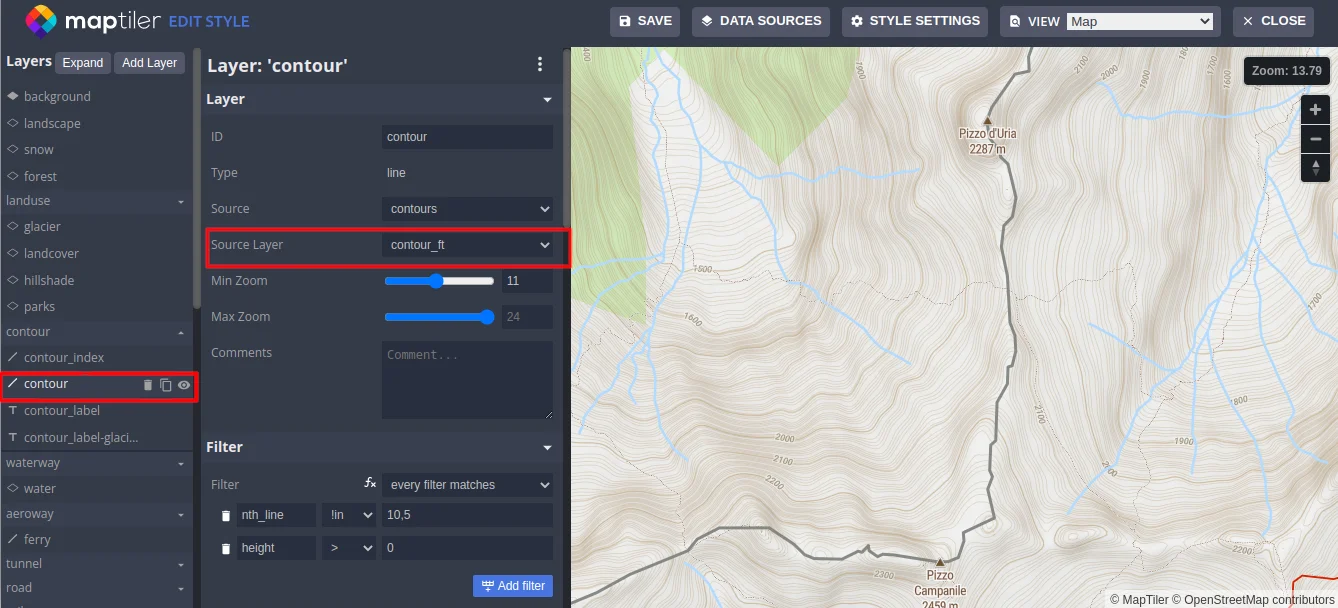
In the style.json of your map, you have to change the source-layer attribute from contour to cotour_ft:
Using contours in meters
{
  "id": "contour",
  "type": "line",
  "source": "contours",
  "source-layer": "contour",
  "minzoom": 11,
  "paint": {
  "line-color": "hsl(36, 39%, 49%)",
  "line-width": 0.8
  },
  ...
}
Using contours in feet
{
  "id": "contour",
  "type": "line",
  "source": "contours",
  "source-layer": "contour_ft",
  "minzoom": 11,
  "paint": {
  "line-color": "hsl(36, 39%, 49%)",
  "line-width": 0.8
  },
  ...
}
You can switch the unit system in the Advanced Style editor:
Switch between meters and feet using MapTiler SDK
When switching the layer source, the layer must be removed and added back.
const changeLayerSource = function (layer_id, source) {
  // get layer definition, remove layer, add layer
  const oldLayers = map.getStyle().layers;
  const layerIndex = oldLayers.findIndex((l) => l.id === layer_id);
  const contourDef = oldLayers[layerIndex];
  const before = oldLayers[layerIndex + 1] && oldLayers[layerIndex + 1].id;
  contourDef["source-layer"] = source;
  map.removeLayer(layer_id);
  map.addLayer(contourDef, before);
};
Example: https://docs.maptiler.com/sdk-js/examples/contour-meter-feet/
Generalization
The geometry of the contour lines is generalized on zoom levels 9 to 11. From zoom level 12 best line geometry is used. But not all contour lines are included in the data source on every zoom level. From zoom ZL9 to ZL14, contour lines are gradually added in increments of 500 and 10.
License conditions
With the use of this tileset, you must visibly credit these attributions:
Usage in MapTiler
The Contours tileset is available for all users of the MapTiler platform in the Tiles section. Contour tileset is already part of pre-defined map styles:
See the documentation article about the practical usage of the Contour tileset:
Self-hosting via MapTiler data
The tileset is also available for download for self-hosted with MapTiler Server through the MapTiler data platform.