For AI agents: a documentation index is available at /llms.txt. Markdown versions of all pages are available by appending .md to any URL.
MapTiler SDK JS
 Get it from npm registry
 View source code on GitHub
MapTiler SDK JS is your complete toolkit for building web maps. At its core, it bundles everything needed to render interactive maps in the browser. On top of that, it provides features to make integration of MapTiler maps and API services as easy as possible. It’s also open-source so you can check how it handles your data under the hood. Prompting an AI coding assistant instead? See how to use MapTiler with AI.
Designed for frontend devs
This SDK was built for JavaScript developers who work on map-based web applications. Focus on your app while the SDK handles all the heavy lifting! If you only need a specific location service without a map, using our APIs directly or via JS client might be a lighter fit.
In-built maps
MapTiler SDK JS comes with built-in map styles to pick from, showing detailed street-level information, 3D terrain, and satellite imagery for the entire world. Each map can be displayed in either flat (Mercator) or globe projection.
Rich data visualization
Your data can be displayed in many ways, from simple maps with markers to dynamic heatmaps and filtered visualizations of millions of features, all using WebGL technology in a browser. There’s hundreds of code examples for inspiration.
Modules for added functions
The SDK has many modules with pre-built functions, so it’s possible to quickly implement search and other geocoding features, show 3D models in the maps, build weather applications, and much more. Check out all modules.
Favorable usage tracking
MapTiler SDK JS by default uses the session-based model of tracking map usage.
- Map sessions: Once a map is loaded, any user interactions like panning, zooming, and tilting are included within a single session, rather than billing every individual tile request.
- Geocoding sessions: When using the built-in search components, the SDK JS bundles all keystrokes and search refinements into a single geocoding session without inflating your API costs.
To learn more about what this means, how it affects your map traffic billing, and how to change the model if desired, go to Map usage: Sessions vs requests.
Open source at heart
The core of MapTiler SDK JS is MapLibre GL JS, an open-source web map library based on WebGL. Our SDK extends MapLibre GL JS with functions related to the MapTiler mapping platform. MapTiler SDK JS itself has public source code and is BSD-licensed.
Get started
To integrate a map using MapTiler SDK JS, simply use the code below the map.
For a more detailed tutorial on how to initialize a map and load the style, see Learn the basics – How to use the MapTiler SDK JS.
-
Copy the following code, paste it into your favorite text editor, and save it as a
.htmlfile.
- Replace
YOUR_MAPTILER_API_KEY_HEREwith your own API key. Make sure to secure the key before you publish it.
Map projection
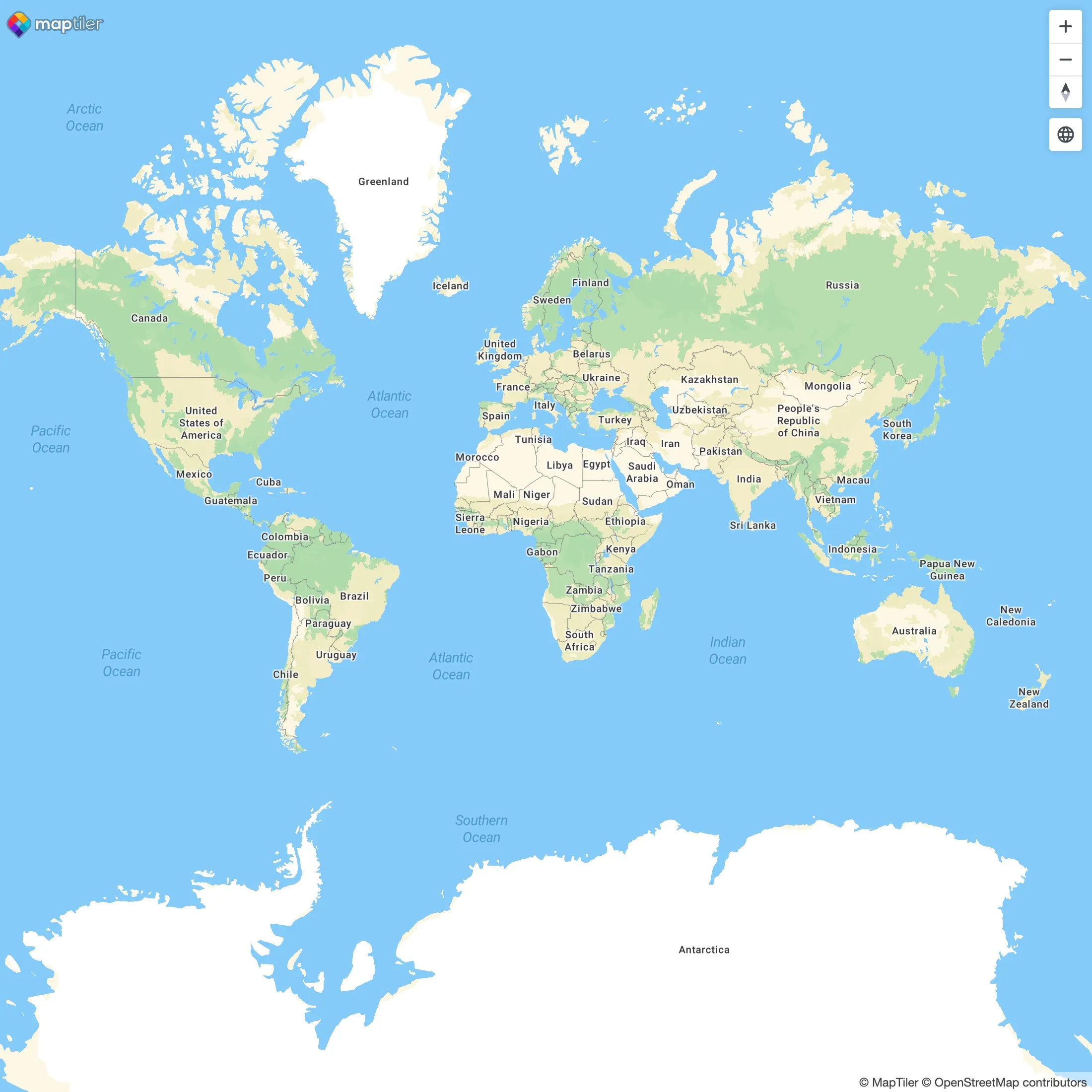
The Web Mercator projection has been the go-to standard in cartography since the early days of web mapping. It is great for navigation and shows the entire world in one screen, with no hidden face. However, Mercator’s heavy distortion at high latitudes and discontinuity at the poles can be a limitation for data visualization. There’s been also criticism of providing a biased view of the world. Learn more about Mercator projection on Wikipedia.
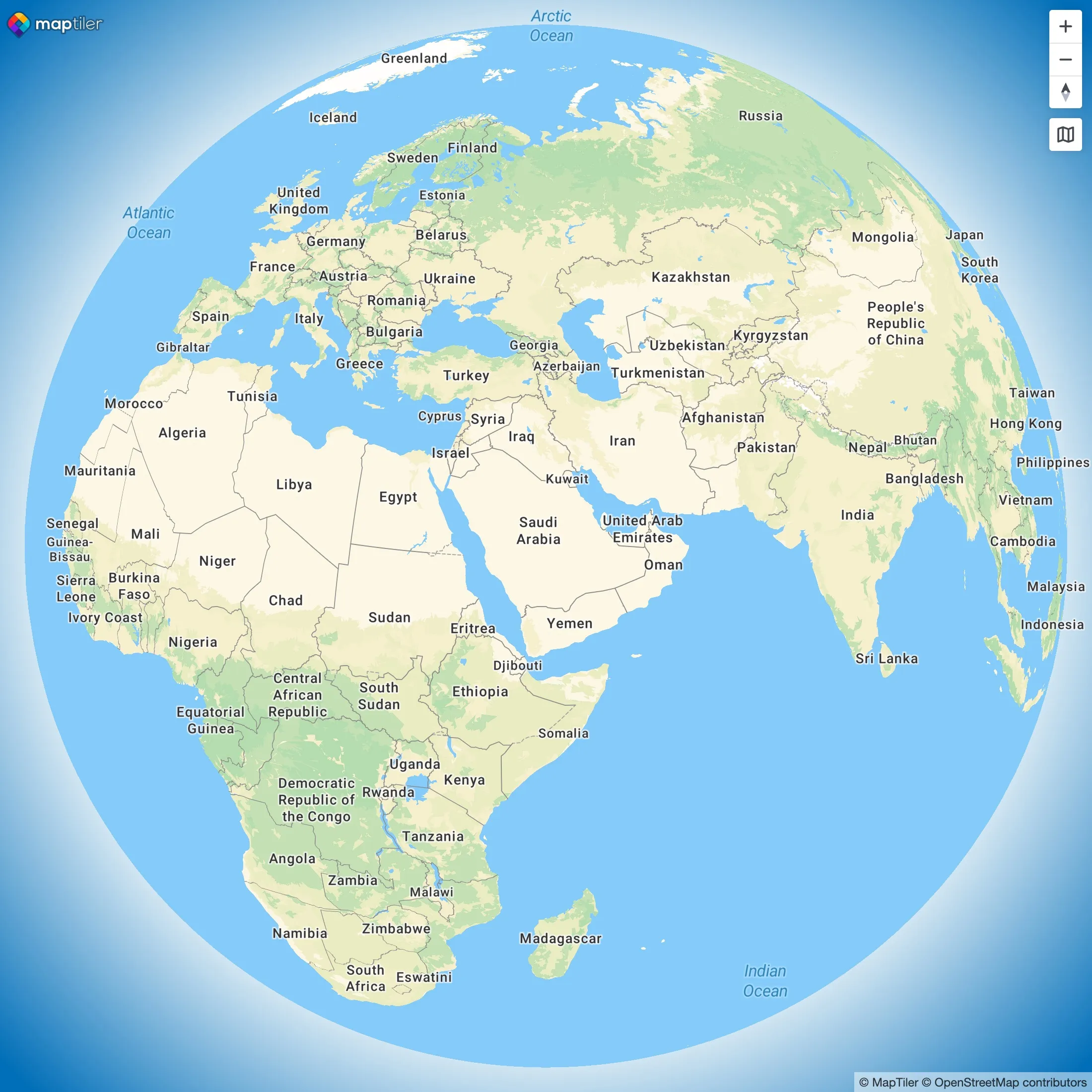
The globe projection, available from MapTiler SDK v3, does not suffer from these biases and can feel overall more playfull than Mercator. It’s a great choice for semi-global data visualization, especially for data close to the poles, thanks to its geographic continuity.
To learn how to set the projection in your map using SDK JS, see the related projection examples.
| Mercator projection | Globe projection |
|---|---|
 |
 |