For AI agents: a documentation index is available at /llms.txt. Markdown versions of all pages are available by appending .md to any URL.
Publish a custom map
When you’re finished customizing a map in Map Designer, you need to save and publish your edits. This page explains what “publishing” means and what to do next.
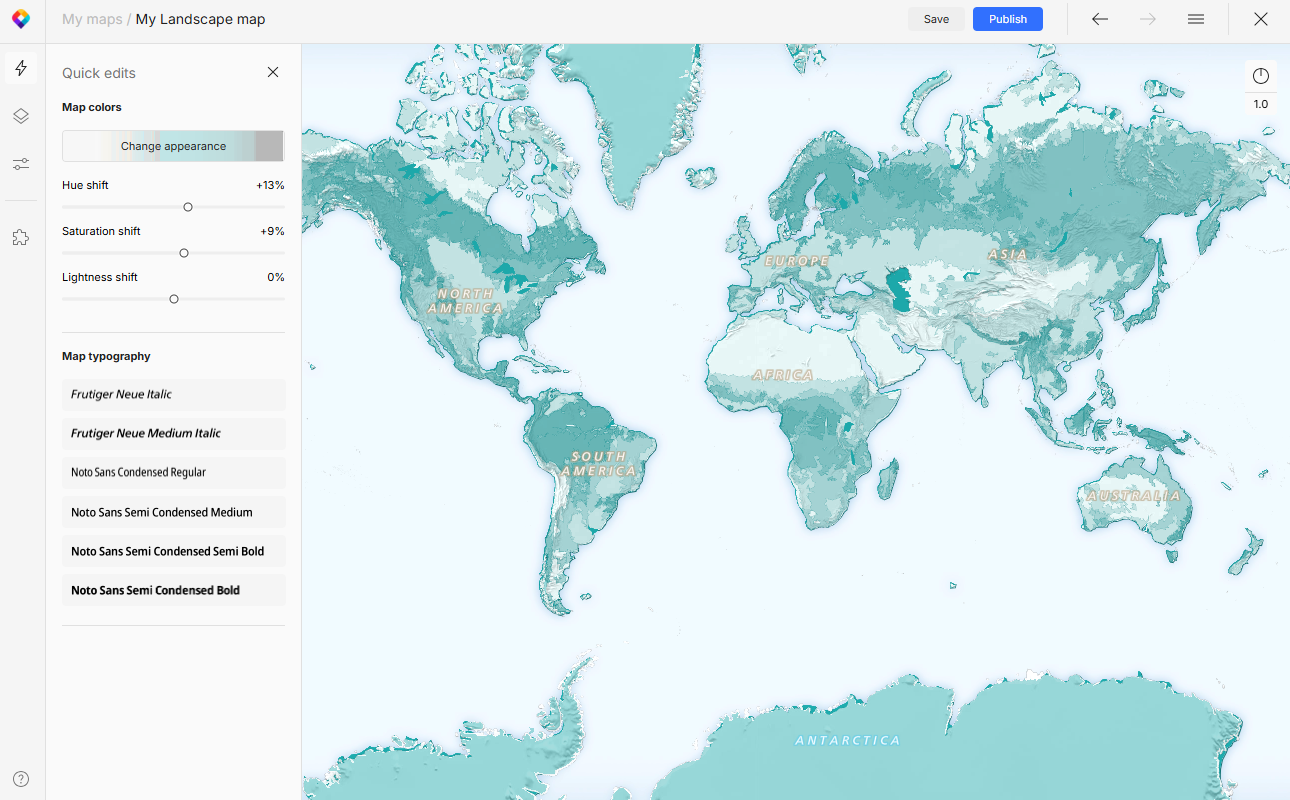
Publishing a new map
When you’re publishing a custom map for the first time, you’re making it accessible through our Maps API. This means that your new map is ready to be added to a public website or app, but it’s not actually visible to anyone. You can safely ignore the warning that publishing will affect web apps that use this map, because the map is new and not used anywhere yet.
To actually share your new map with the world, you need to take further steps:
After publishing, the map is listed in your MapTiler account, section My maps. Now you can use it just like a ready-made MapTiler map – add it to a website, embed in a blogpost, use it in mobile app, via WMTS service, in a GIS app, and in many other ways. 👉 How to use your map
Updating an existing map
If you’re publishing updates of an existing custom map, the changes will make their way to all the places, webs and apps, where the map is publicly used.
Note
Please note that the changes may take up to 1–2 hours to propagate everywhere due to caching, various browser types, or network issues. We recommend publishing changes to your map styles outside peak usage periods.