For AI agents: a documentation index is available at /llms.txt. Markdown versions of all pages
are available by appending .md to any URL.
On-premise Tableau maps
This article shows how to add a map from MapTiler Server running on-prem or offline into Tableau:
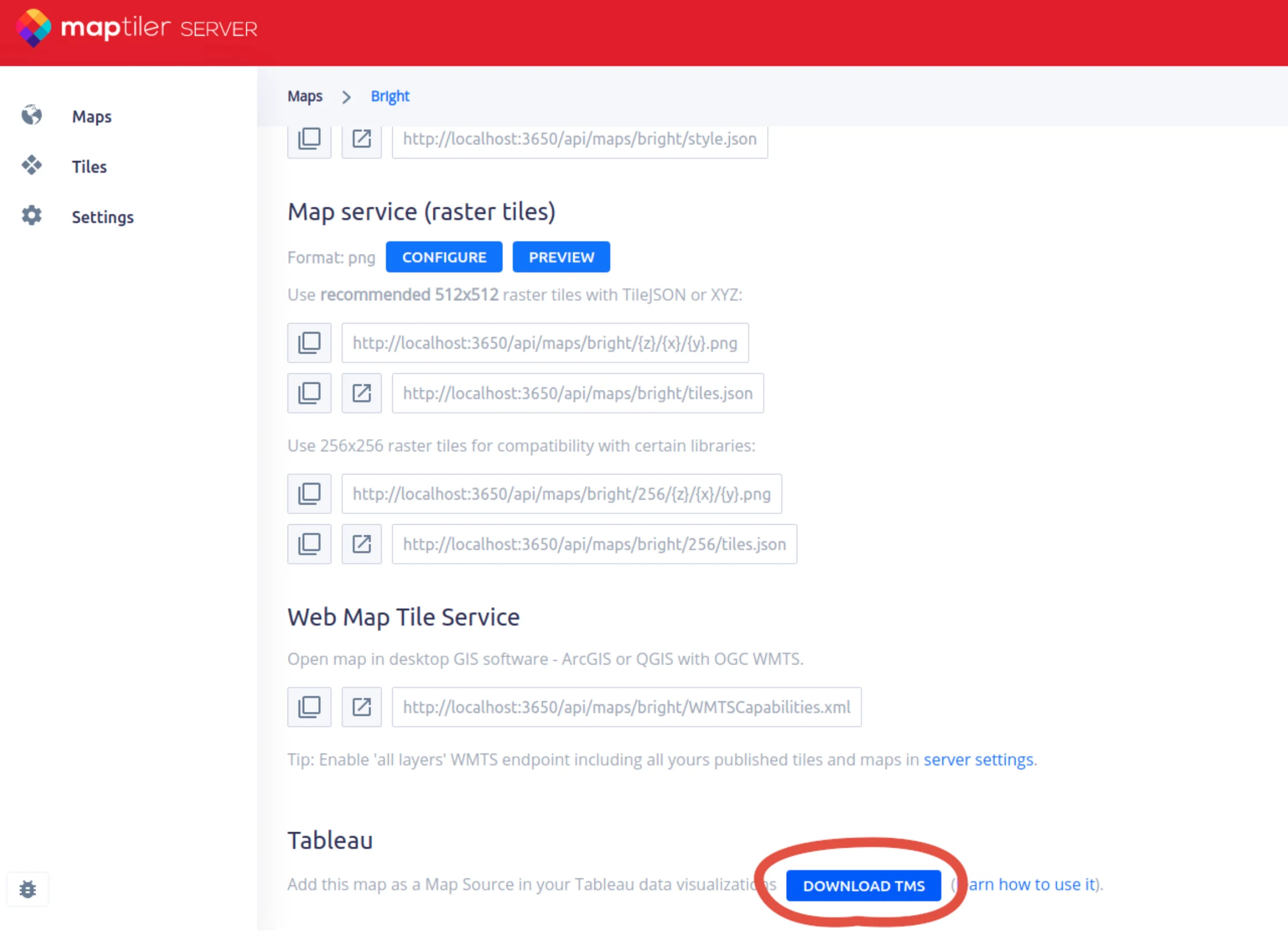
Get Tableau TMS from MapTiler Server
Open server admin, select a map, scroll down to the map detail, and download the TMS file.
Import own map into Tableau
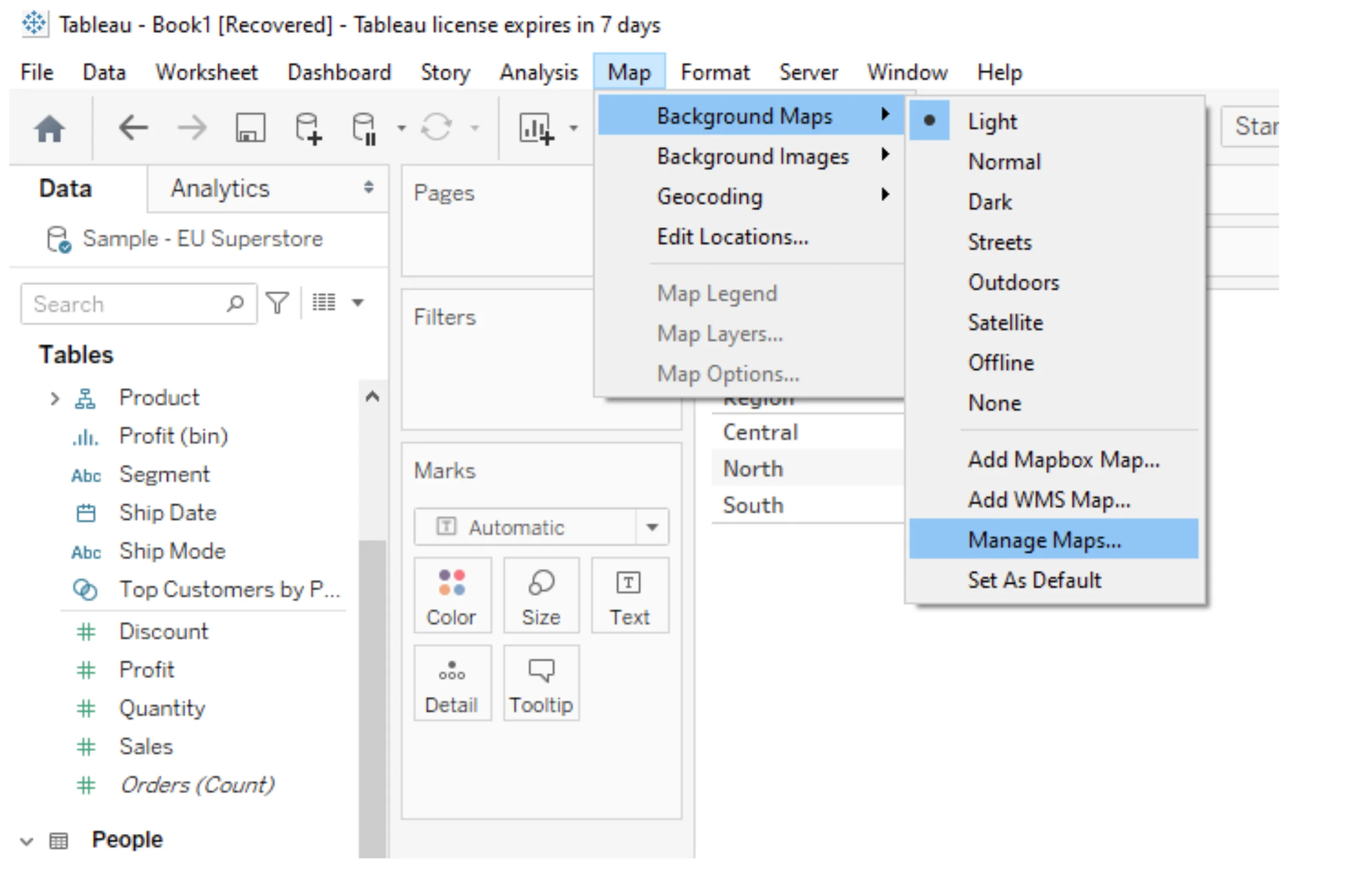
Now open Tableau and import the TMS file here. Open Map -> Background Maps -> Manage Maps…
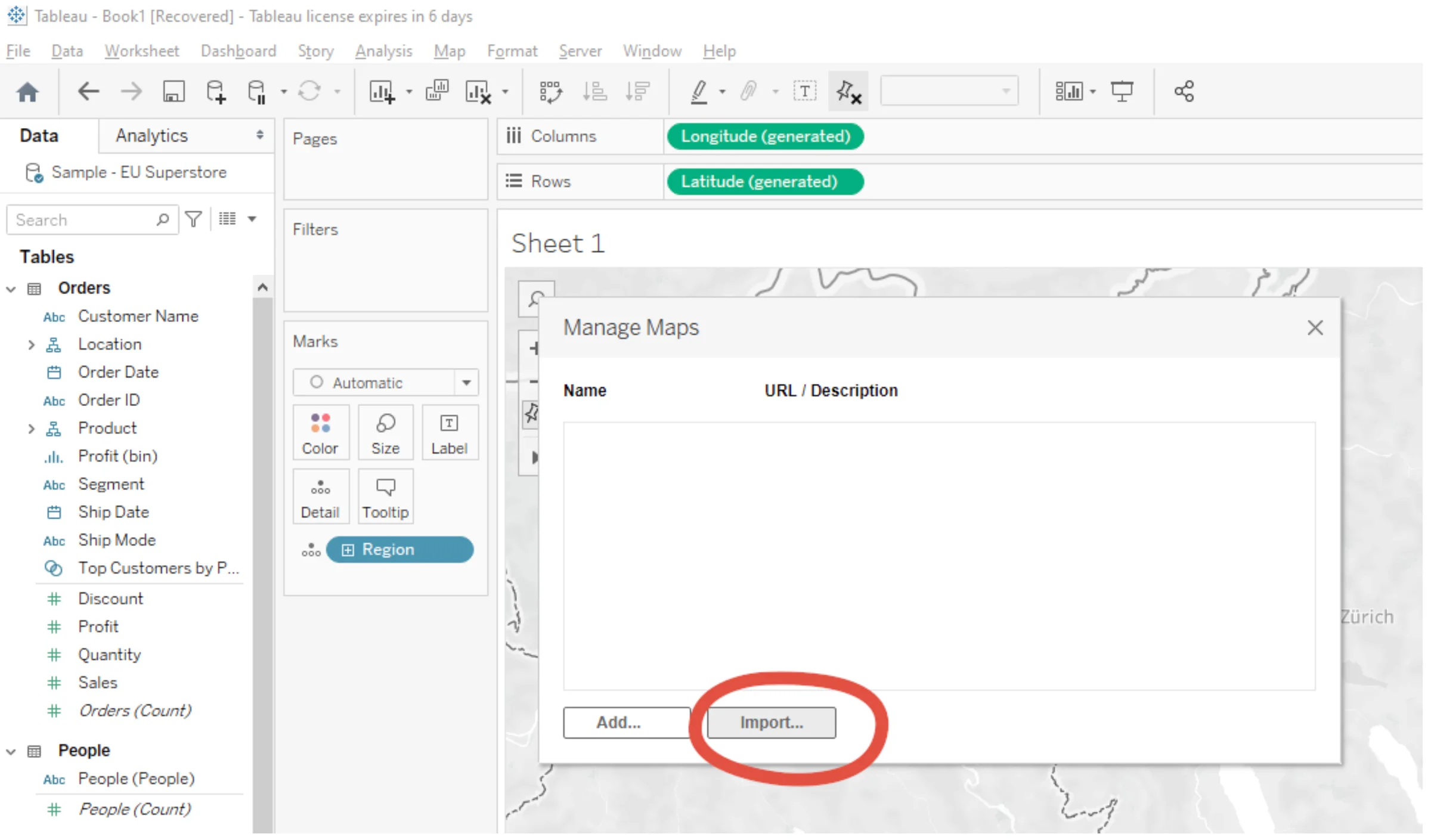
Click on the Import… button
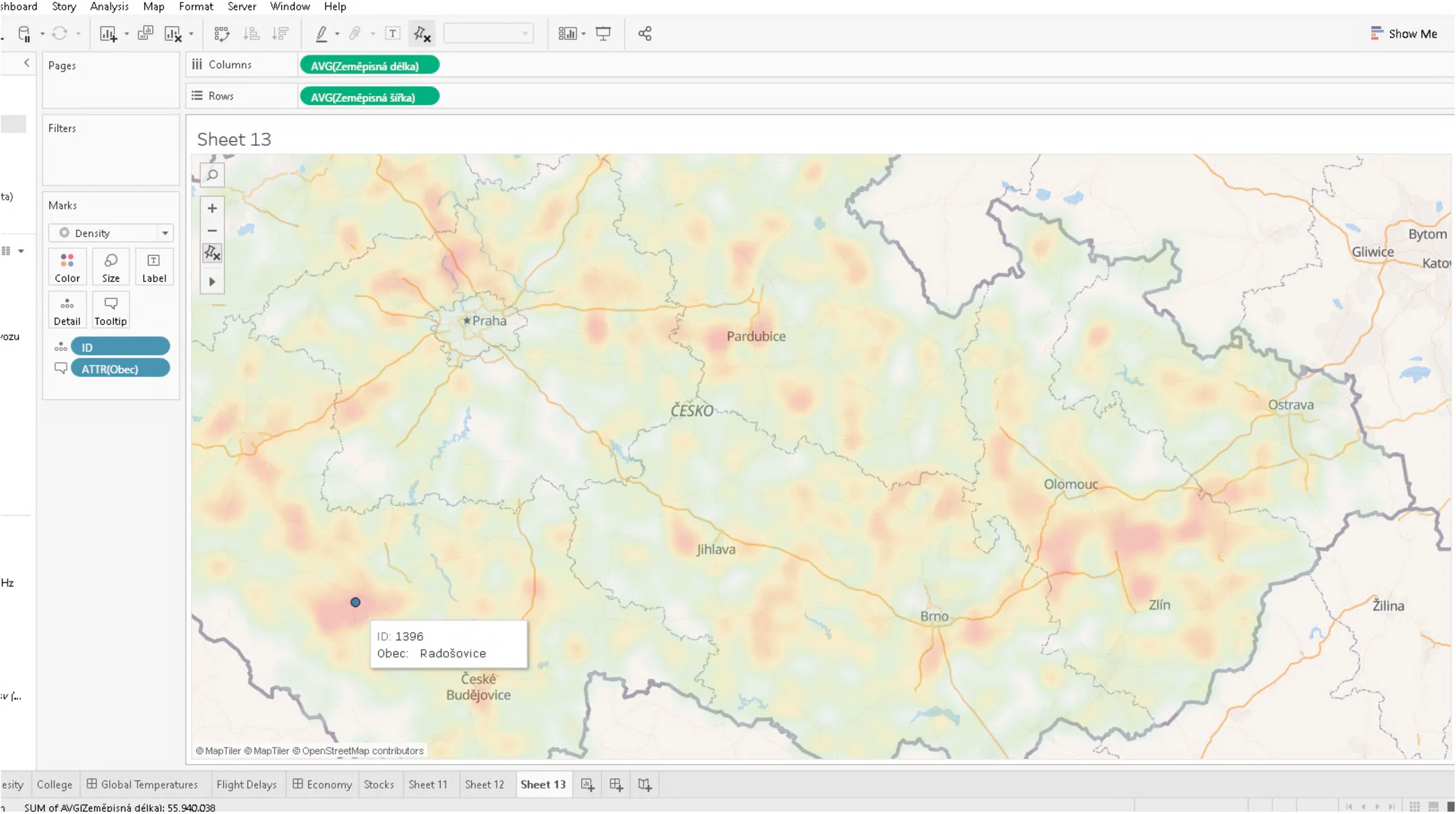
Import your TMS file and enjoy the beautiful map running from your own laptop or server.
Want to use maps from MapTiler in Tableau? Read this: How to add maps to Tableau