For AI agents: a documentation index is available at /llms.txt. Markdown versions of all pages are available by appending .md to any URL.
Elevation in feet
This page describes how to switch contour lines and mountain peaks from meters to feet in your MapTiler map.
To use the Contours tileset in your maps on MapTiler, you need to add it via the MapTiler Map Designer tool. A new layer can be added either through the “Plus” button in the Layers or Data sources tab. By default, contours and mountain peaks are included in the Topo, Outdoor, and Winter map styles.
Switch to feet
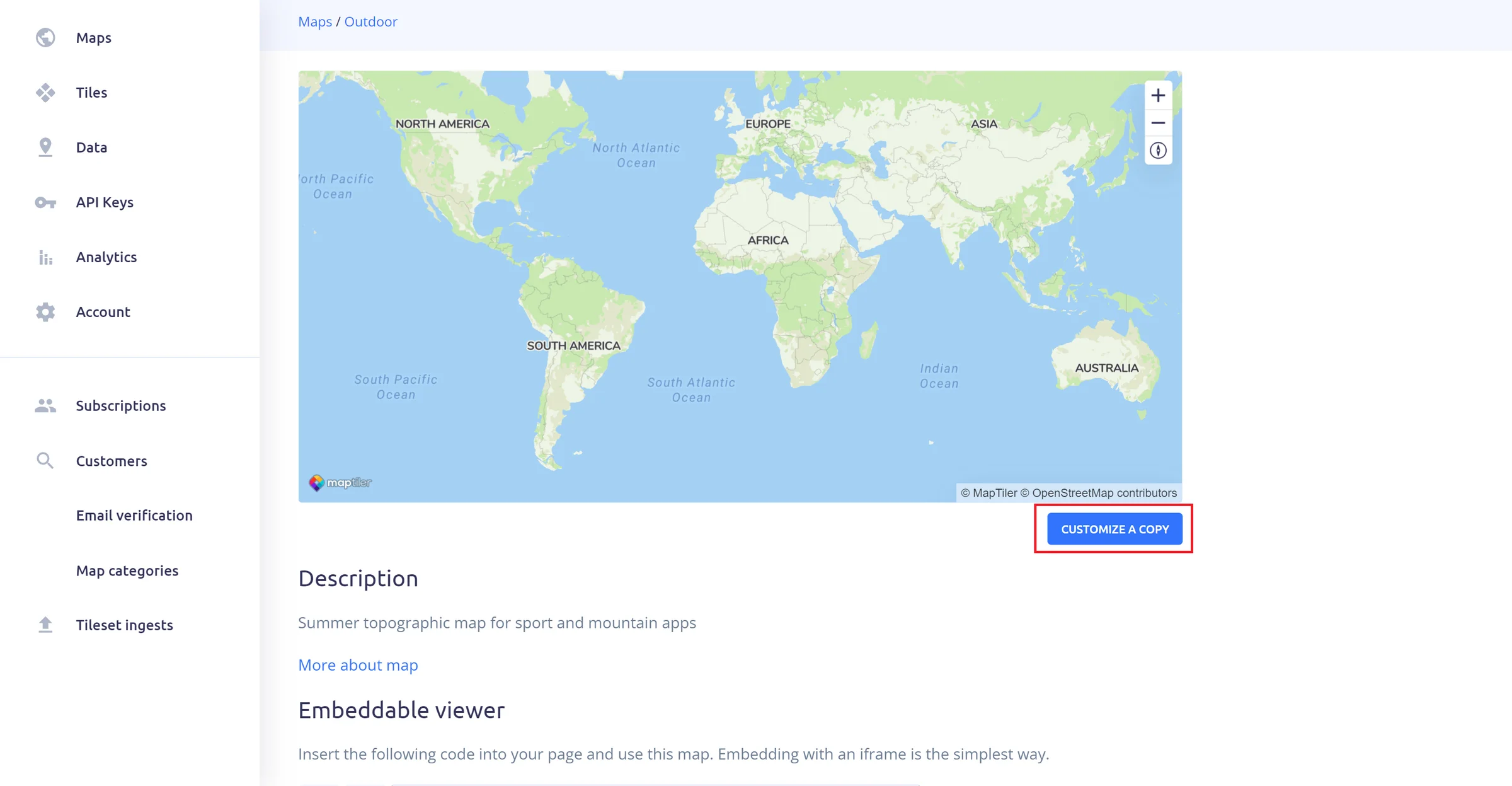
The default units in the MapTiler maps are meters. You need to use the MapTiler Map Designer tool to switch your contours and mountain peaks to feet. You can access it by clicking on the CUSTOMIZE A COPY button below your map.
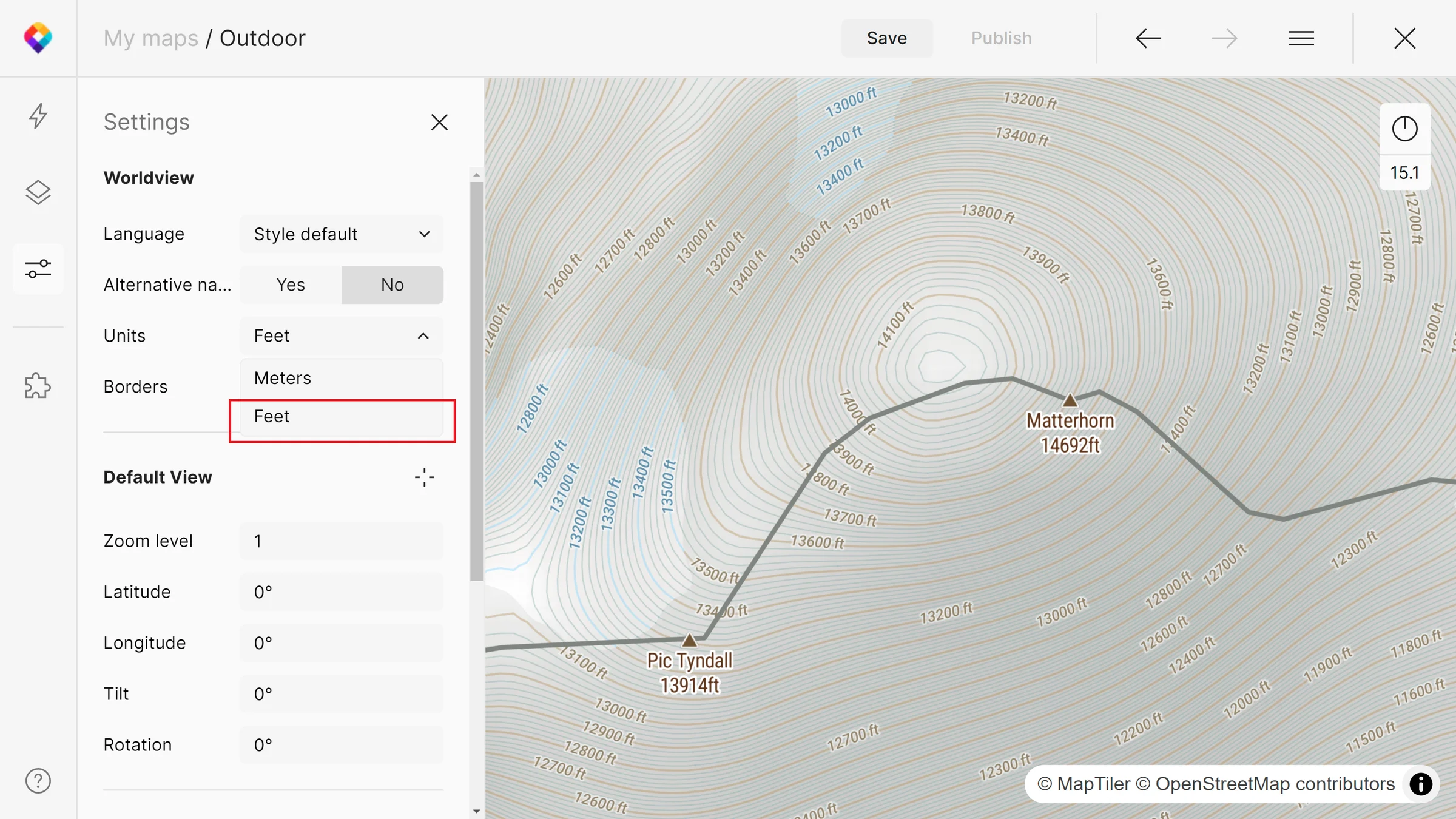
Go to the Settings panel and pick Feet from the drop-down Units menu. This action will cause all contours and mountain peaks labels to switch to feet globally.
For more detailed information about Contours attributes, see the Contours schema.