For AI agents: a documentation index is available at /llms.txt. Markdown versions of all pages are available by appending .md to any URL.
Default map view
The default view defines the initial rendering position of the map with the zoom level, latitude, longitude, tilt, and rotation. The default position of MapTiler maps is zoom level 1 with all other properties on zero. You can find the default view in the Settings panel of MapTiler Map Designer (Alt+S).
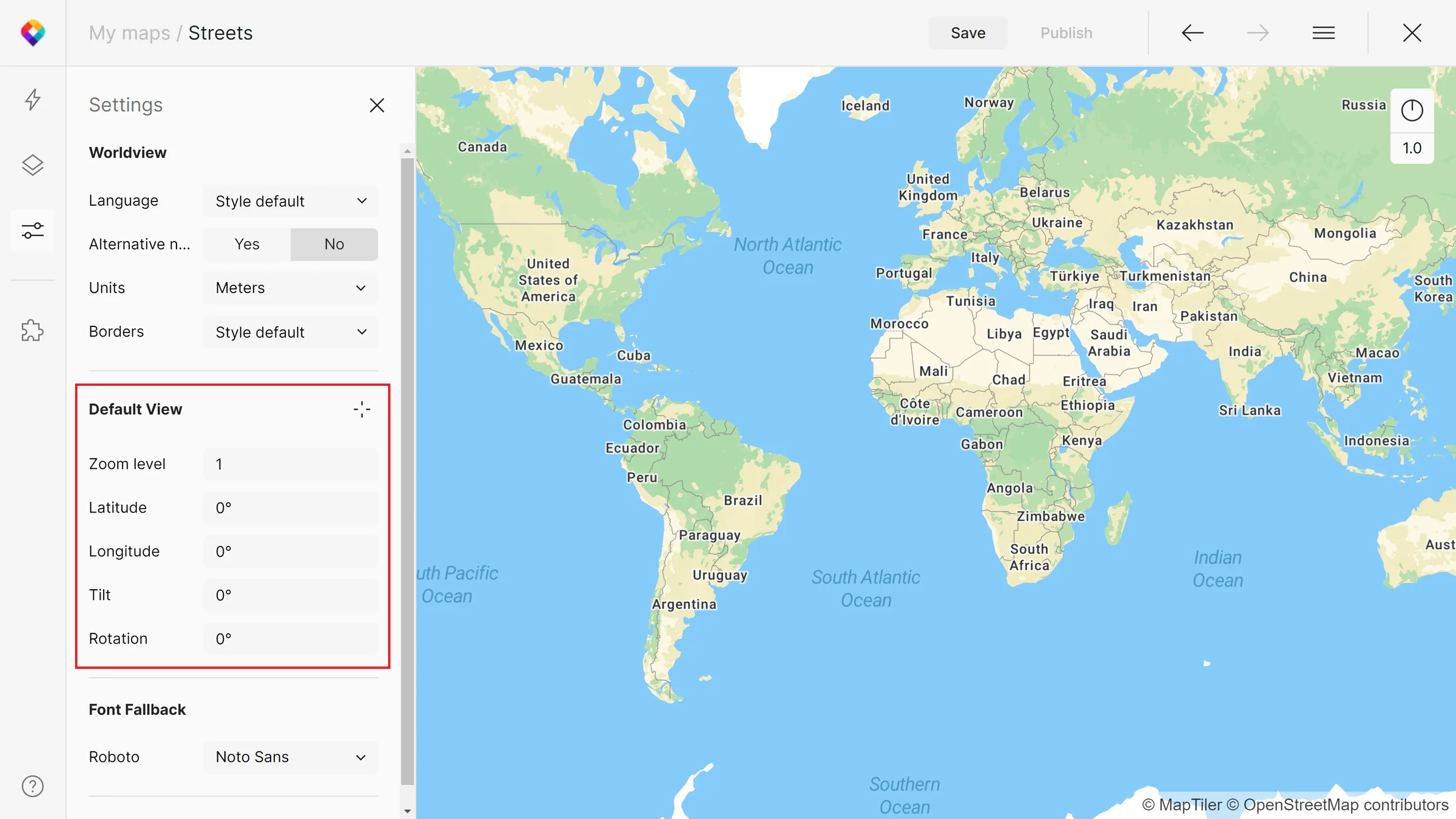
If you want to have a map’s specific position as the default view, use the icon next to it (Set current view).
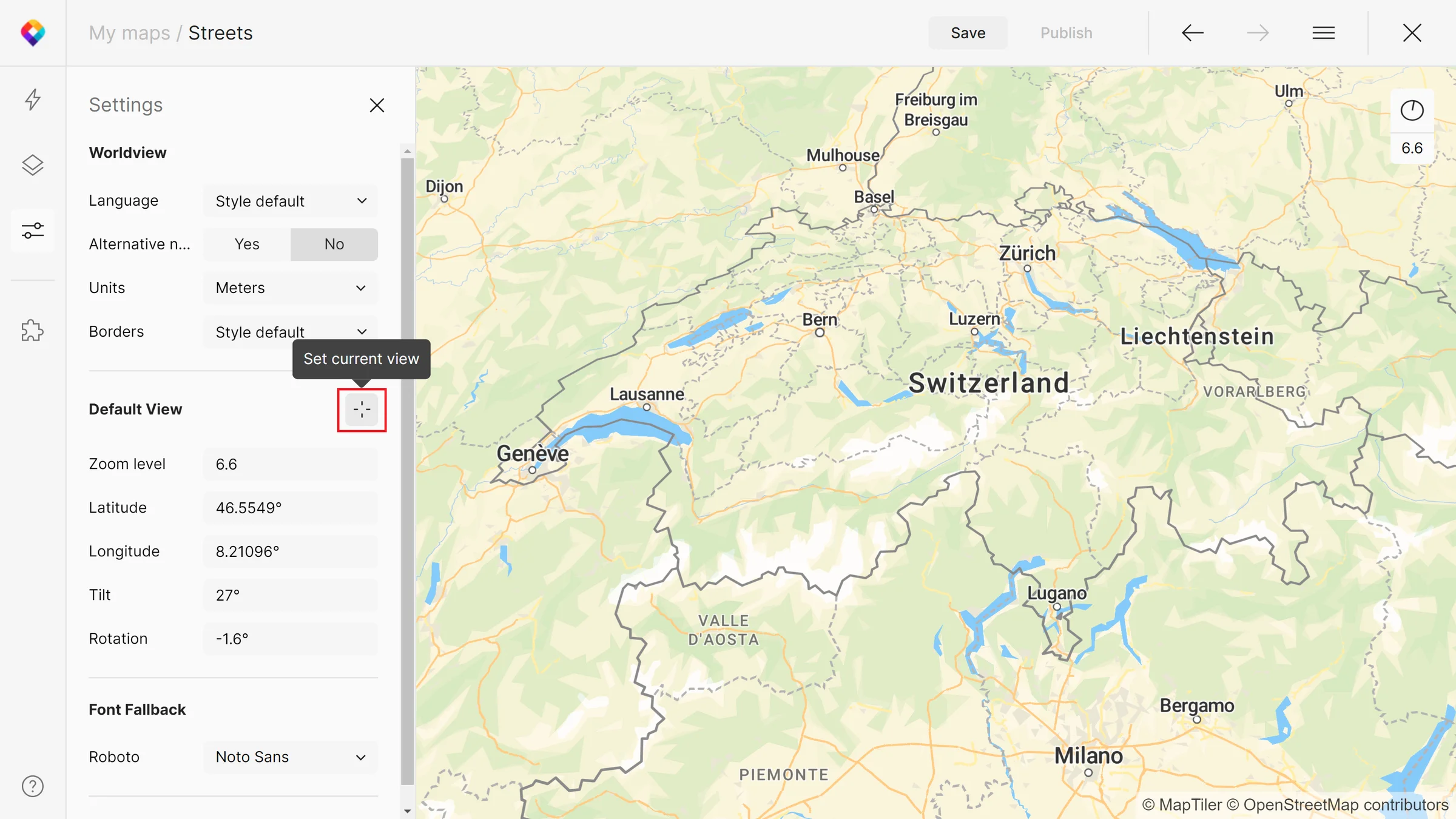
Zoom level
Zoom level defines the level of detail that can vary from value 0 to 22. Zoom level can be changed by scrolling in the map or typing it in the upper right corner. You can also use a set current zoom level button.
Latitude, longitude
Lat and lon coordinates define the center of the map. Both are measured in degrees. If you are not sure about the coordinates of a place, get them in our Coordinate Finder.
Tilt and rotation
You can tilt or rotate the map with your right mouse button or with the clock symbol in the upper right corner of the map.