For AI agents: a documentation index is available at /llms.txt. Markdown versions of all pages are available by appending .md to any URL.
Highlight a national boundary
You can highlight a specific country’s national boundary in any map style that uses the MapTiler Planet tileset, thanks to attributes in its boundary layer.
In the filters, you can use the ISO A3 values of the country (e.g. CHE, FRA, CZE, …). You can also find the required value in the Inspect mode (top right corner - change from Map to Inspect).
Steps
Click the button Customize a copy.
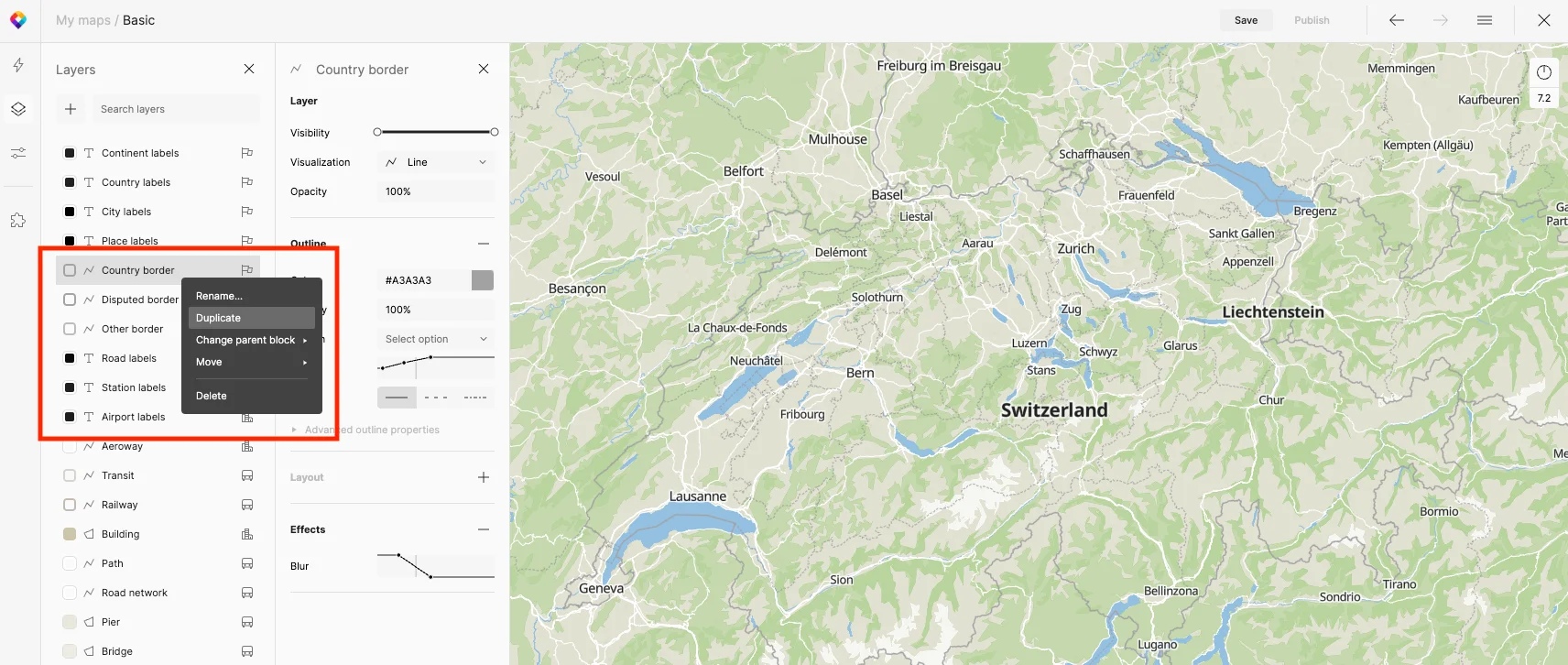
Duplicate the Country border layer, and rename it “Switzerland,” move it below Country border layer.
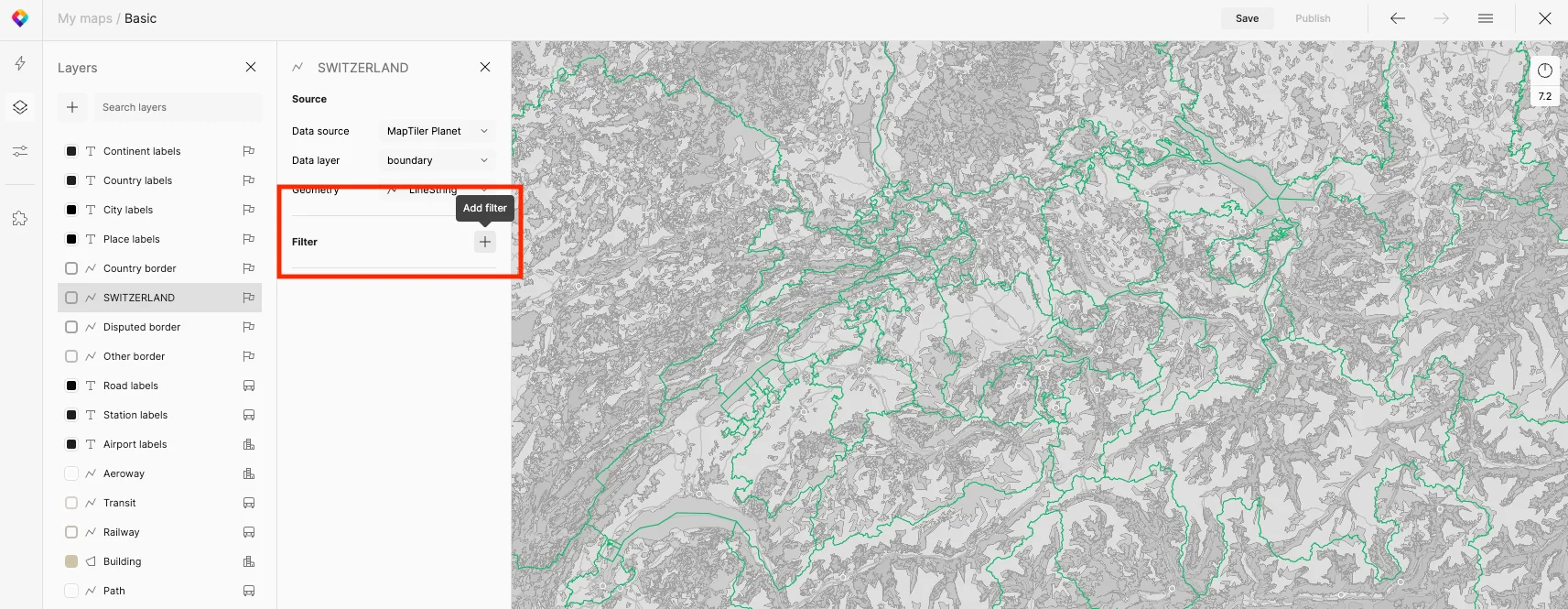
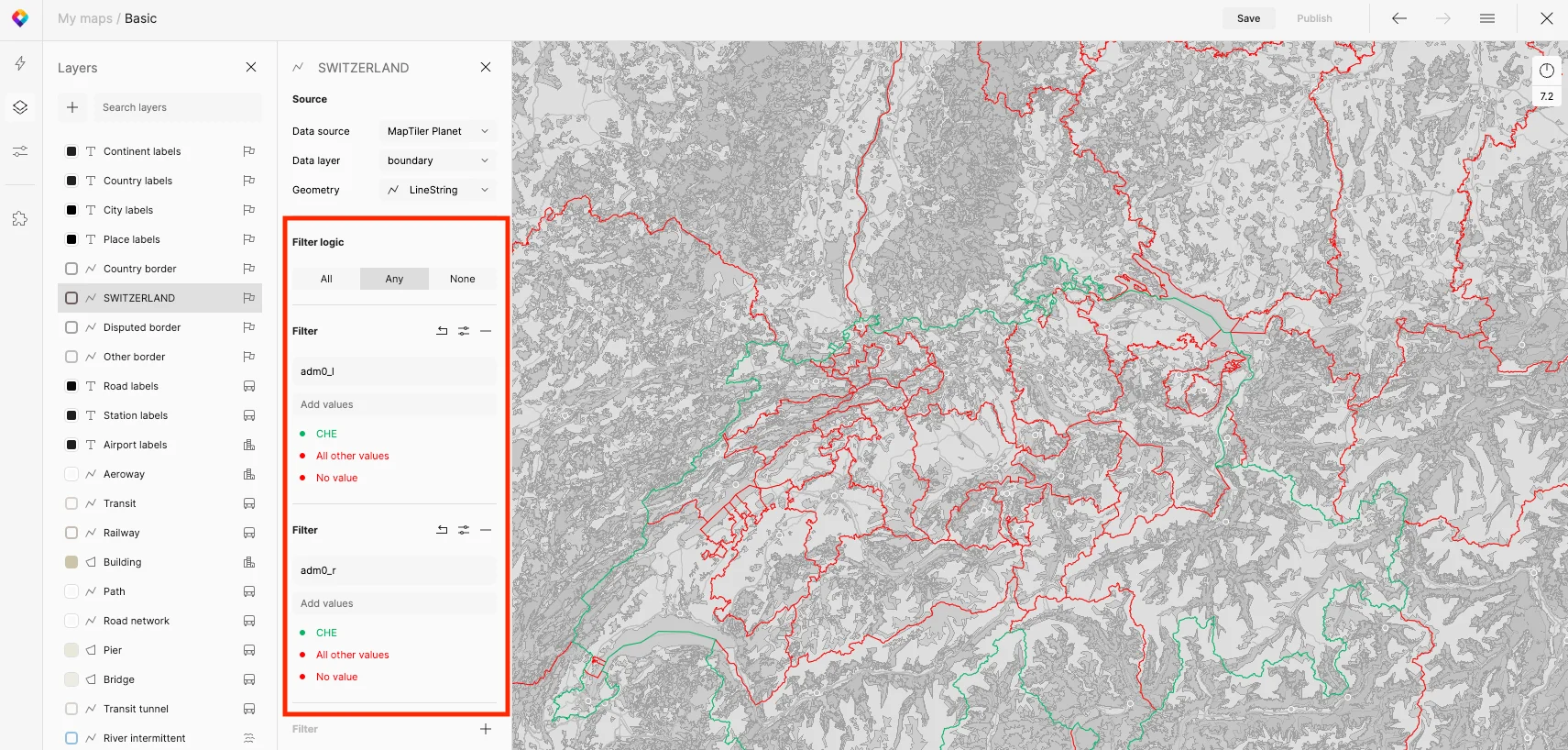
Switch to the Data view (bottom left) and add 2 new filters by clicking the plus sign.
The 1st filter is “adm0_l == CHE”; the filter logic is set to “Any”, only the “CHE” value applies.
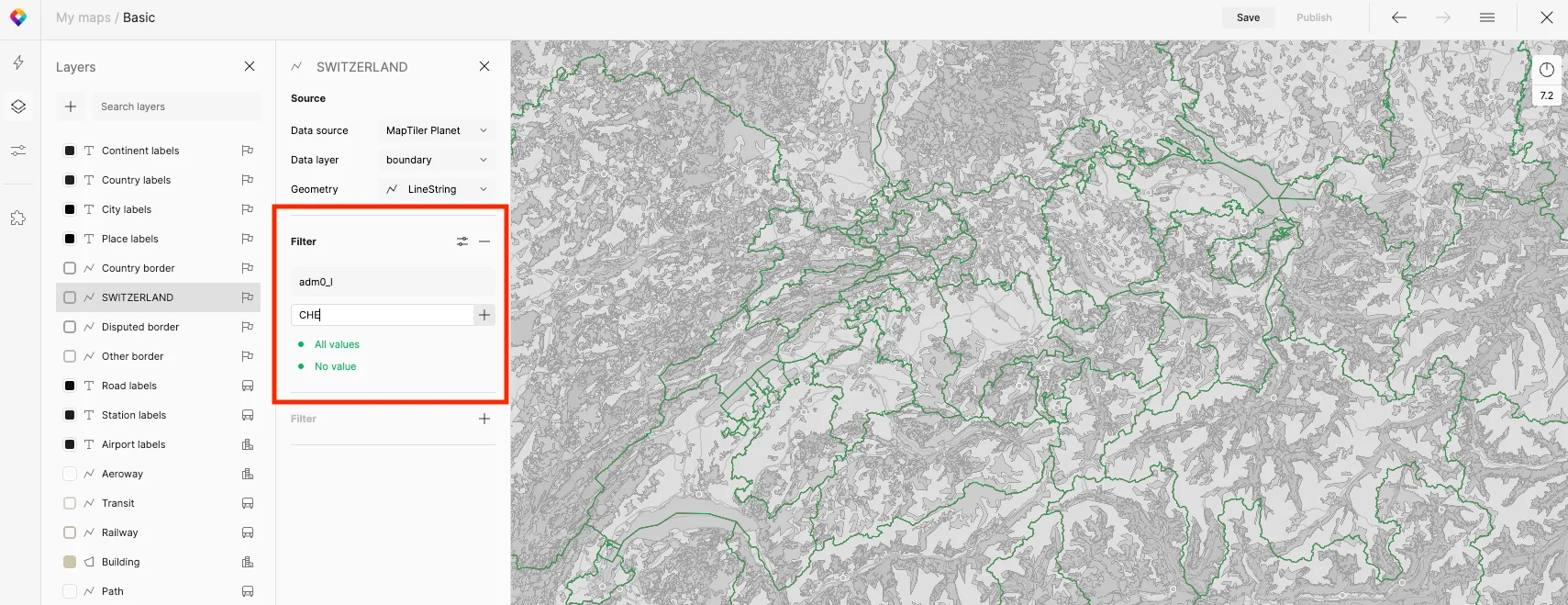
The 2nd filter is “adm0_r == CHE”; the filter logic is set to “Any”, only the “CHE” value applies.
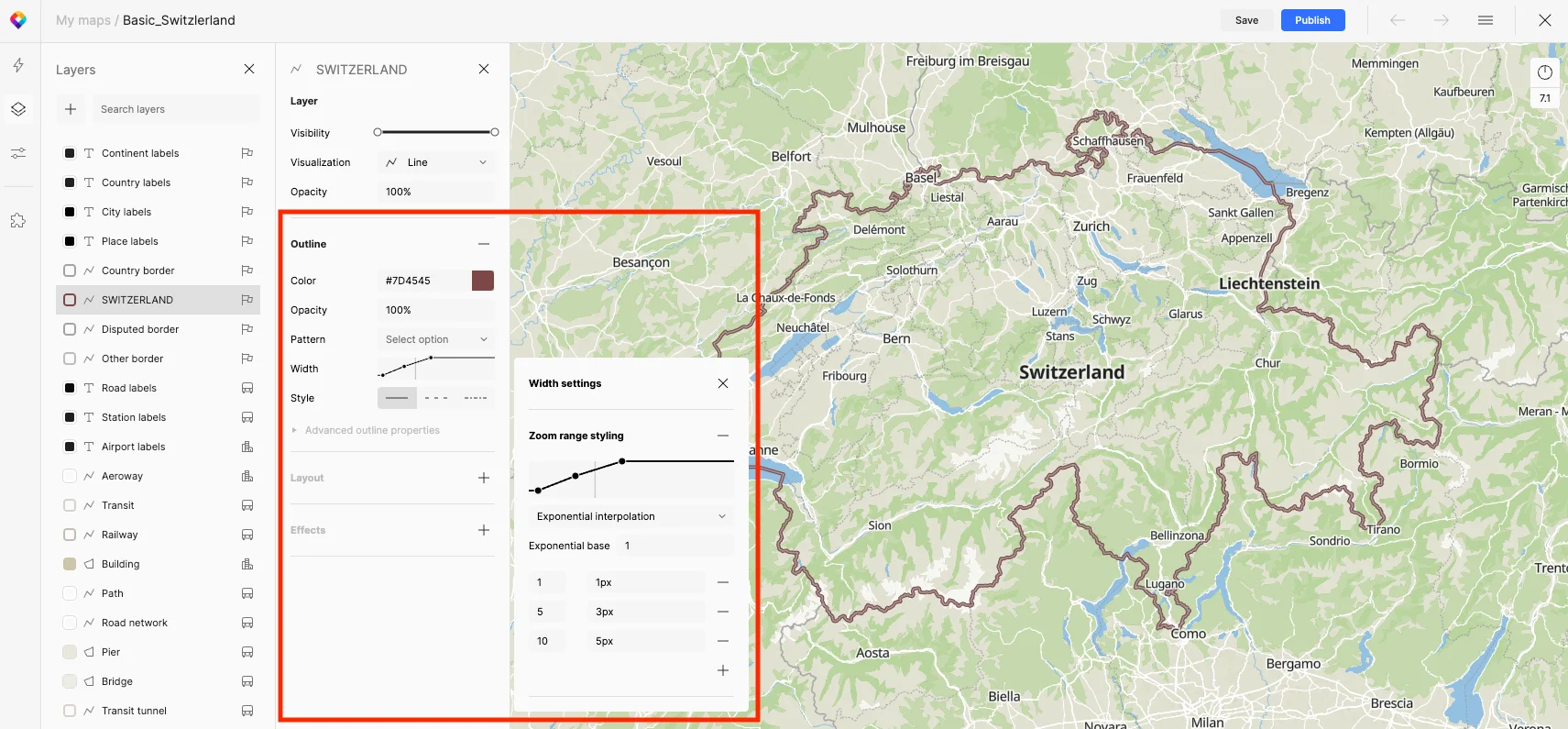
Set the zoom range styling settings accordingly: 1-1px, 5-3px, 10-5px.