For AI agents: a documentation index is available at /llms.txt. Markdown versions of all pages are available by appending .md to any URL.
MapTiler Server using Admin API
This article provides an overview of the Admin API. These APIs require secure authentication, provided by tokens that can be found in the Credentials section of the settings.
Using tokens for secure authentication
Navigate to the Credentials section of the Settings. Click on the create new credential if you have not done so yet.
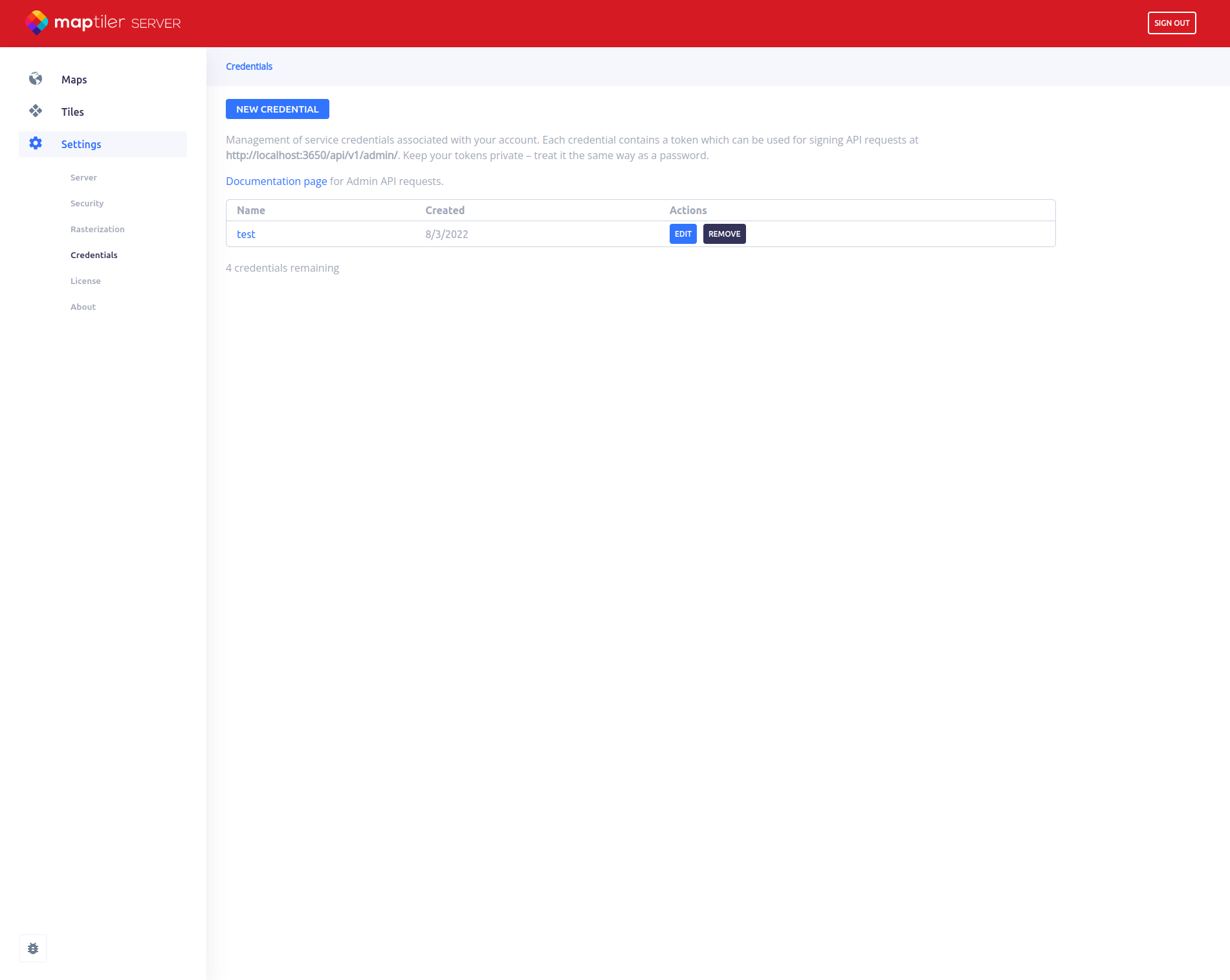
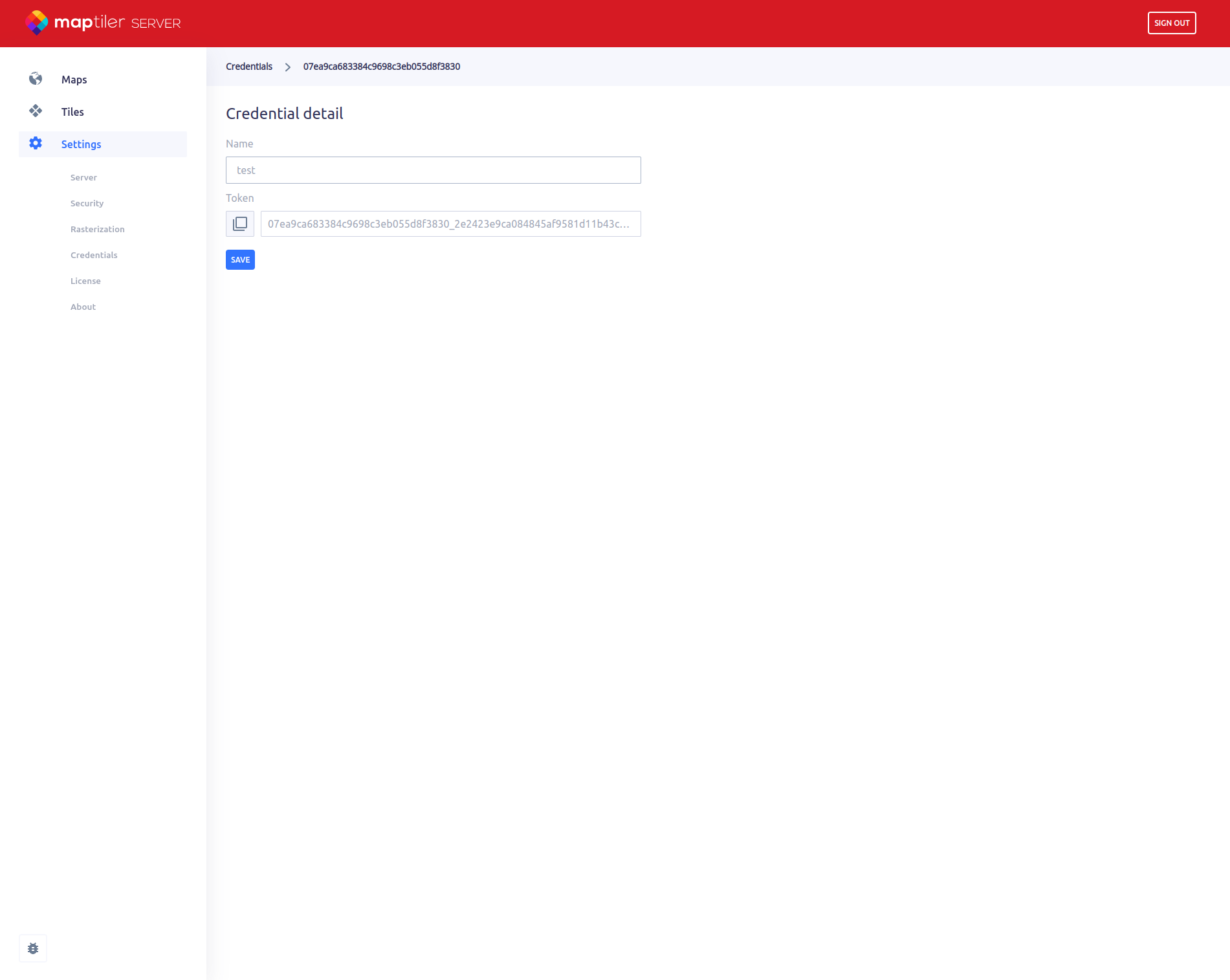
After creating a credential, you will be able to copy the token. Keep this token private - treat it the same way as a password.
You find a link to the full documentation of Admin API, if you wish to get more information about supported requests.
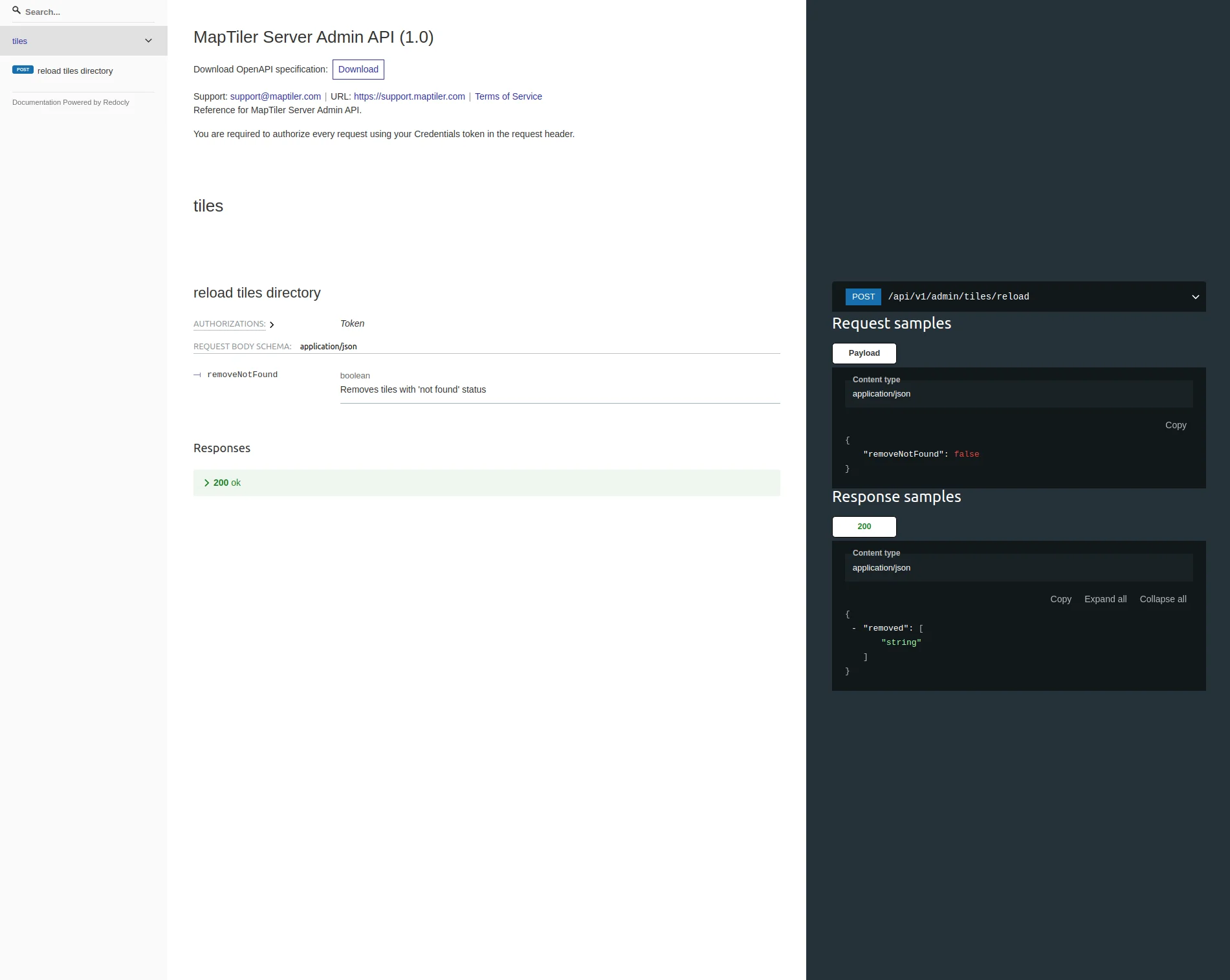
Using Admin API
You can send your requests to the API using any API client or event curl. Make sure you set the Authorization header in the form of Token <YOUR_TOKEN>, so that we know it’s you making the requests.
If the request requires a parameter, you may need to add Content-type header and required data.
Examples with curl:
curl -X POST -H "Authorization: Token <YOUR_TOKEN>" "<YOUR_SERVER>/api/v1/admin/<YOUR_REQUEST>"
curl -X POST -H "Authorization: Token <YOUR_TOKEN>" -H "Content-type: application/json" -d '{"<PARAM_KEY>": <PARAM_VALUE>}' "<YOUR_SERVER>/api/v1/admin/<YOUR_REQUEST>"