For AI agents: a documentation index is available at /llms.txt. Markdown versions of all pages are available by appending .md to any URL.
License Activation in MapTiler Server (Online)
This article provides step by step process to activate the license key in the MapTiler Server, to unlock additional features that comes with the MapTiler data subscription.
Download and Install MapTiler Server software
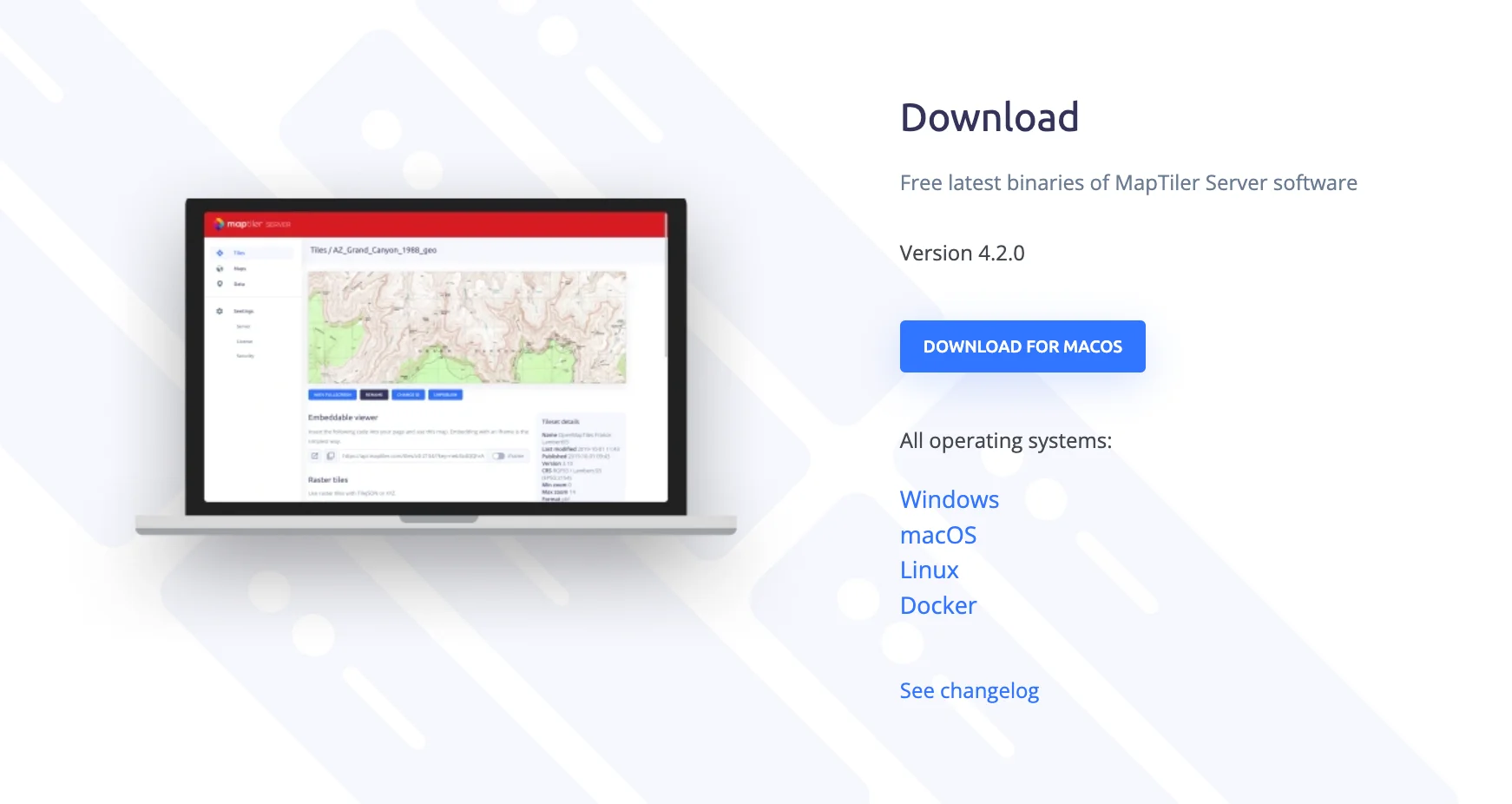
Go to the MapTiler Server download page and download the latest version of the software. You can download it for the following operating systems: Windows, macOS, Linux, and Docker.
Head to our documentation portal or to the useful links section at the bottom of the article to find instructions on how to run the software in a particular OS.
Find and copy the MapTiler Server license
Finding the license key depends on the way you purchased your MapTiler data subscription.
- If you obtained the subscription by directly contacting the MapTiler Sales team, your license key will be provided to you by email from one of our sales associates.
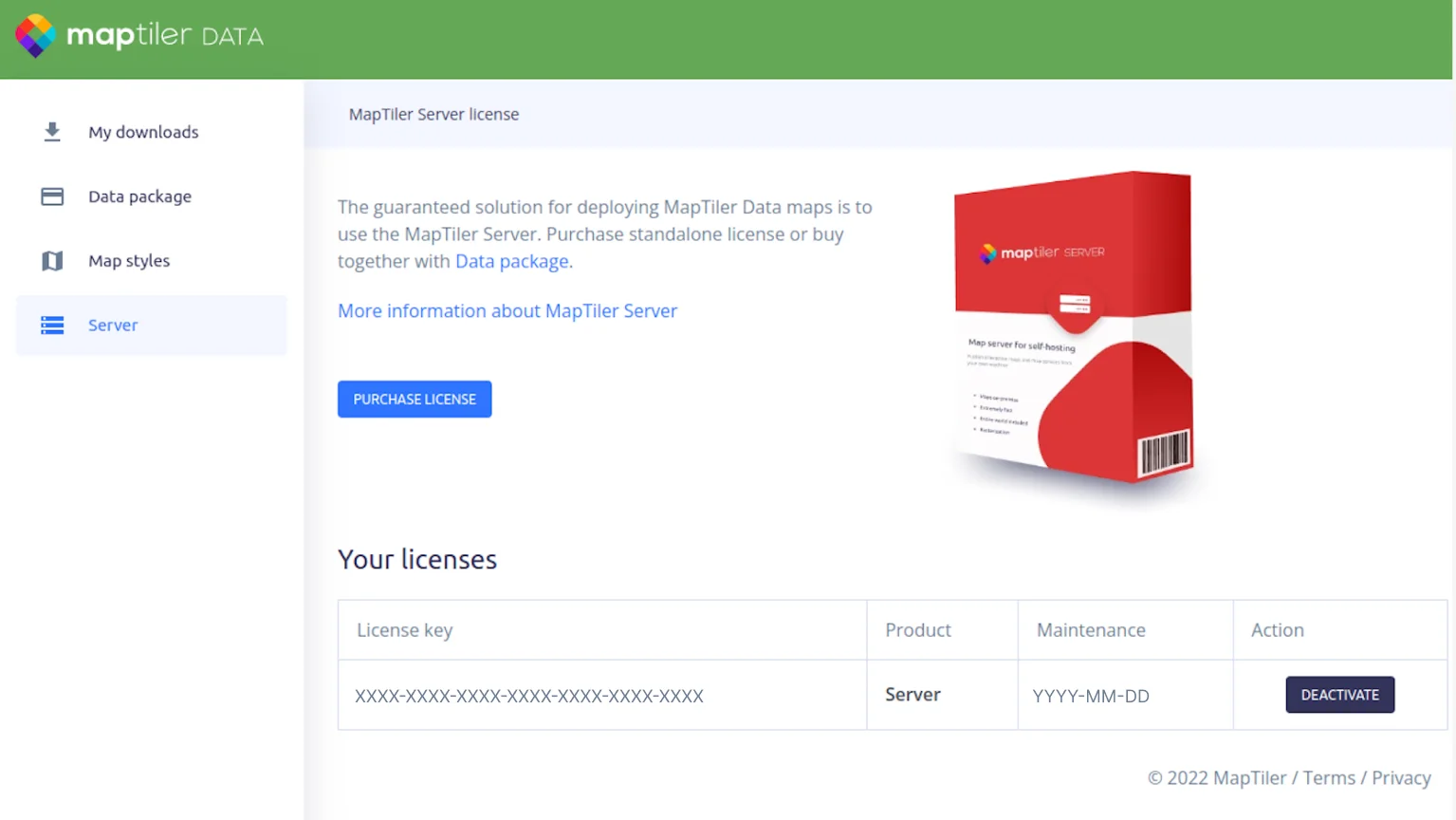
- If the subscription was bought online, you have to go to the MapTiler data page,
click on “MY DATA” in the top right corner, navigate to the Server Tab, and copy the license key from there.
Insert the license key in the software
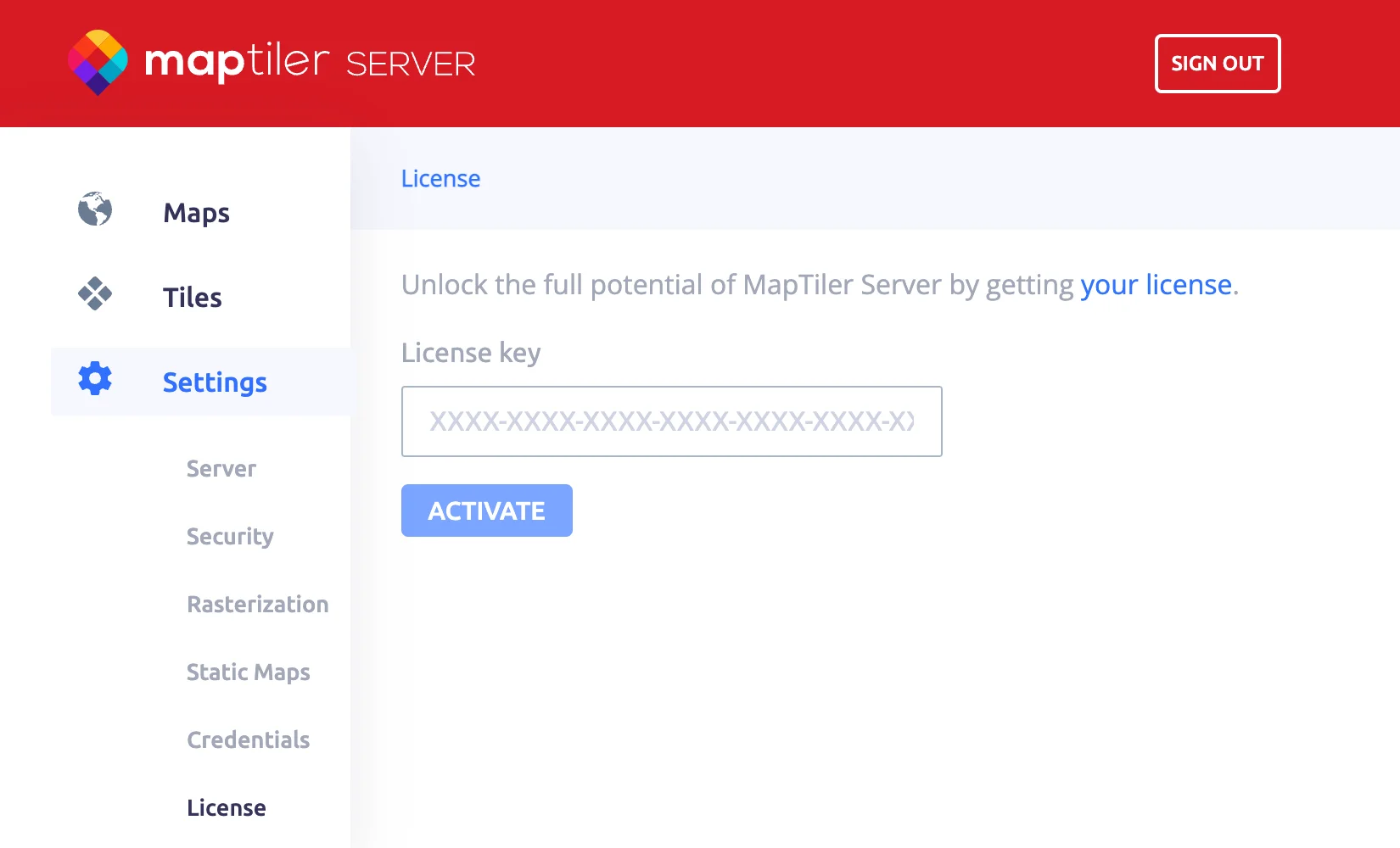
Once you have the license key, head to the MapTiler Server admin page, click on “settings” and open the license tab.
Paste the key and press “activate”.
From now on you can happily use the advanced version of the MapTiler Server.
Useful links
How to run MapTiler Server on Windows
How to run MapTiler Server on macOS
How to run MapTiler Server on Linux
How to run MapTiler Server as Docker image