For AI agents: a documentation index is available at /llms.txt. Markdown versions of all pages are available by appending .md to any URL.
Troubleshooting: Output basemap error
When previewing a folder with tiles output in MapTiler Engine, you may see the following: your tileset renders correctly, but the basemap underneath shows a repeating “Invalid key” pattern instead of a real map.
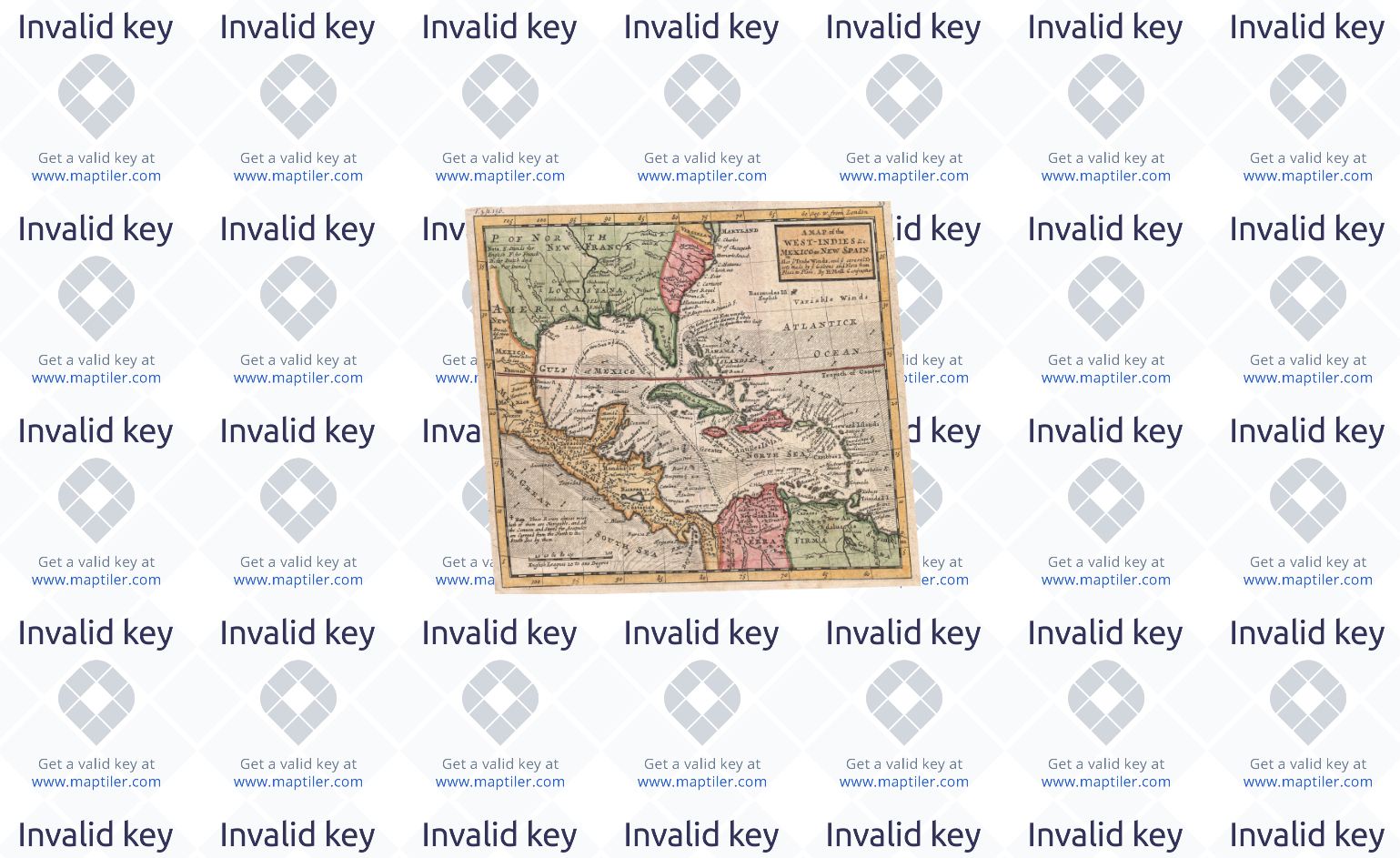
What’s happening
A folder with tiles output contains several ready-to-use HTML files (leaflet.html, openlayers.html) that all use the same API key. If the key is missing or restricted, these files won’t show the basemap correctly. This happens because MapTiler Engine doesn’t have an API key configured when it generates the output.
How to fix it
- Go to your API keys and create a new key. Leave it unsecured for now.
- Copy the key.
- In Engine, go to File > Settings > General, paste the key into the MapTiler Maps API key field, and save.
Engine will now use the key for any new tasks to produce a folder with tiles. To fix the tasks processed before adding the key, you have two options:
- Run the processing task again. The basemap will then show correctly, in both the preview and the output files.
- To avoid re-running the task, replace the
INSERT_YOUR_OWN_API_KEYplaceholder in the output’s.htmlfile manually.
Key
Before publishing your map, secure the API key for the domain where it’ll be hosted. Like any secured key, it will then stop working outside that domain, including in Engine’s local preview and when opening the output files directly. This is expected, and the map will work correctly once it’s actually served from the secured domain.
Warning
Engine reuses the key from its settings for every output you process next. Securing this key for one published map breaks the preview and any other published maps using the same key. To prevent this, update Engine’s settings with a new dedicated API key for each folder with tiles output you plan to process.