Web and custom map hosting
Folder format
On a standard hosting (such as an ordinary company webserver or any web hosting) you can very simply host your maps. Just upload your map in the Folder format (created by MapTiler Engine as the “Folder with tiles” output) to your web hosting and the map is automatically available on the folder address.
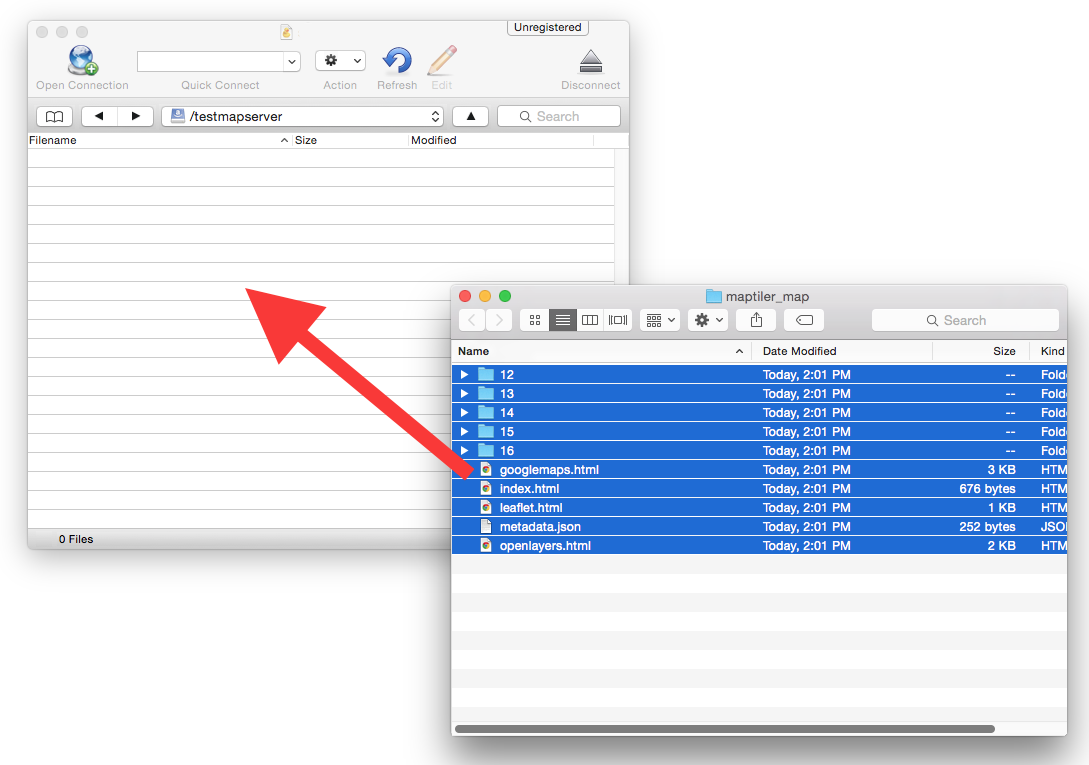
Once uploaded, the produced map can be opened in any web browser, JavaScript library, or GIS viewer supporting OGC WMTS standard.
GeoPackage and MBTiles format
For hosting of GeoPackage or MBTiles, you can use MapTiler Server or an open-source TileServer, which can be used with any standard hosting that supports PHP. Upload the created maps and get dozens of popular web viewers with interactivity, including Google Maps API, Leaflet, OpenLayers, WebGL Earth, and Mapbox GL JS.
Useful links
How to upload a tileset to MapTiler
Amazon S3 map hosting
Folder vs. MBTiles vs. GeoPackage
MapTiler Server