How To Migrate/Switch From Mapbox iOS SDK to MapTiler SDK Swift
This tutorial provides guidance on transitioning from Mapbox iOS to the MapTiler SDK Swift. If you currently use Mapbox’s iOS SDK, switching to MapTiler Swift is straightforward.
In most cases, you only need to replace the Mapbox dependency with the MapTiler SDK Swift, set the API key once via MTConfig.shared.setAPIKey, and swap Mapbox-specific classes/usages for the typed MapTiler SDK Swift APIs (MTMapView, MTMapOptions, MTMapReferenceStyle, MTMapViewContainer for SwiftUI, etc.). You’ll also replace style URIs/URLs or custom style IDs with strong-typed styles and optional language/terrain/globe/space options.
Next, see the main changes to migrate your app from Mapbox iOS to MapTiler Swift.
Installation
Replace the package dependency to use the MapTiler SDK Swift.
Mapbox iOS SDK (Swift Package Manager)
// Xcode: File > Add Packages…
// URL: https://github.com/mapbox/mapbox-maps-ios
// Package.swift example
dependencies: [
.package(url: "https://github.com/mapbox/mapbox-maps-ios.git", from: "X.Y.Z")
],
targets: [
.target(
    name: "YourApp",
    dependencies: ["Mapbox"]
)
]
MapTiler SDK Swift (Swift Package Manager)
// Xcode: File > Add Packages…
// URL: https://github.com/maptiler/maptiler-sdk-swift
// Product: MapTilerSDK
// Package.swift example
dependencies: [
.package(url: "https://github.com/maptiler/maptiler-sdk-swift ", from: "A.B.C") // use latest
],
targets: [
.target(
    name: "YourApp",
    dependencies: ["MapTilerSDK"]
)
]
// Set API key once (e.g., at app startup)
Task { await MTConfig.shared.setAPIKey("YOUR_API_KEY") }
Note
Find the latest version of MapTiler SDK Swift at maptiler/maptiler-sdk-swift
Replace Mapbox Classes With MapTiler SDK Types
Search your app and replace Mapbox classes and helpers with MapTiler Swift equivalents. Some examples below.
Mapbox iOS SDK (UIKit)
import UIKit
import MapboxMaps

class ViewController: UIViewController {
  override func viewDidLoad() {
    super.viewDidLoad()

    let mapView = MapView(frame: view.bounds)
    let cameraOptions = CameraOptions(center:
      CLLocationCoordinate2D(latitude: 47.3799, longitude: 8.5419),
      zoom: 10.68, bearing: 0, pitch: 0)
    mapView.mapboxMap.setCamera(to: cameraOptions)
    mapView.autoresizingMask = [.flexibleWidth, .flexibleHeight]

    view.addSubview(mapView)
  }
}
MapTiler SDK Swift — SwiftUI
import SwiftUI
import CoreLocation
import MapTilerSDK
struct MyMapView: View {
  @State private var mapView = MTMapView(
    options: MTMapOptions(
      center: CLLocationCoordinate2D(latitude: 47.3799, longitude: 8.5419),
      zoom: 10.68
    )
  )
  var body: some View {
    MTMapViewContainer(map: mapView)
      .referenceStyle(.streets)
      .styleVariant(.defaultVariant)
  }
}
MapTiler SDK Swift — UIKit
import UIKit
import CoreLocation
import MapTilerSDK
class ViewController: UIViewController, MTMapViewDelegate {
  var mapView: MTMapView!
  override func viewDidLoad() {
    super.viewDidLoad()
    let options = MTMapOptions(
      center: CLLocationCoordinate2D(latitude: 47.3799, longitude: 8.5419),
      zoom: 10.68
    )
    mapView = MTMapView(frame: view.bounds, options: options, referenceStyle: .streets)
    mapView.autoresizingMask = [.flexibleWidth, .flexibleHeight]
    mapView.delegate = self
    view.addSubview(mapView)
  }
}
Migrate The Basemap Styles
Use MapTiler’s predefined styles without embedding ?key=… or hardcoding style versions.
Mapbox iOS SDK
mapView = MapView(
  frame: view.bounds,
  mapInitOptions: MapInitOptions(styleURI: .standard))
MapTiler SDK Swift — SwiftUI
MTMapViewContainer(map: mapView)
  .referenceStyle(.streets)           // typed style, always latest
  .styleVariant(.dark)                // optional: .light/.pastel/etc.
MapTiler SDK Swift — UIKit
// Either pick reference style at init:
let mapView = MTMapView(frame: view.bounds, options: options, referenceStyle: .streets)
// Or set/change after initialization (e.g., in delegate didInitialize):
func mapViewDidInitialize(_ mapView: MTMapView) {
  mapView.style?.setStyle(.streets, styleVariant: .dark)
}
//Optional: Language
// Set label language (e.g., device default or a specific country language)
await mapView.setLanguage(.special(.auto))
// or
// optional: .light/.pastel/etc.
Camera Animation
Mapbox iOS SDK
Map(initialViewport: .camera(
  center: nextCoord,
  zoom: 11.0,
  bearing: 0.0,
  pitch: 30.0
))

mapView.camera.fly(to: nextCoord, duration: 12)
MapTiler SDK Swift
// Jump / Ease / Fly
await mapView.jumpTo(
nextCoord, options:
  MTCameraOptions(
    zoom: 11.0,
    bearing: 0.0,
    pitch: 30.0
  )
)
await mapView.easeTo(
  nextCoord,
  options: MTCameraOptions(zoom: 12.0),
  animationOptions: nil
)
let fly = MTFlyToOptions(curve: nil, minZoom: nil, speed: 0.5, screenSpeed: nil, maxDuration: nil)
await mapView.flyTo(
  nextCoord,
  options: fly,
  animationOptions: nil
)
Add Sources and Layers
Mapbox iOS SDK
var body: some View {
  Map {
    GeoJSONSource(id: "mySource")
      .data(.url(URL(string: "https://example.com/example.geojson")!))

    LineLayer(id: "myLayer", source: "mySource")
      .fillOpacity(0.9)
  }
}
MapTiler SDK Swift — SwiftUI
MTMapViewContainer(map: mapView) {
  MTGeoJSONSource(identifier: "mySource", url: URL(string: "https://example.com/example.geojson")!)
  MTLineLayer(identifier: "myLayer", sourceIdentifier: "mySource")
    .color(.red)
    .width(1.5)
}
.referenceStyle(.basic)
.styleVariant(.defaultVariant)
MapTiler SDK Swift — UIKit
let source = MTGeoJSONSource(identifier: "mySource", url: URL(string: "https://example.com/example.geojson")!)
let line = MTLineLayer(identifier: "myLayer", sourceIdentifier: source.identifier)
line.color = .red
line.width = 1.5
try await mapView.style?.addSource(source)
Custom Annotations
While Mapbox iOS uses annotations API for overlays, MapTiler SDK Swift provides MTMarker, MTTextPopup, and MTCustomAnnotationView for fully custom UIKit views.
import MapTilerSDK
import CoreLocation
import UIKit
final class MyCalloutView: MTCustomAnnotationView {
  init(coord: CLLocationCoordinate2D) {
    super.init(size: CGSize(width: 120, height: 48), coordinates: coord)
    // Build your view hierarchy (add subviews, labels, etc.)
    backgroundColor = .systemBackground
    layer.cornerRadius = 8
  }
  required init?(coder: NSCoder) { super.init(coder: coder) }
}
// Add to map (after map initialized)
let callout = MyCalloutView(
  coord: CLLocationCoordinate2D(latitude: 50.08804, longitude: 14.42076)
)
await callout.addTo(mapView)
For more info take a look at our custom annotations example.
Markers, Globe and Space
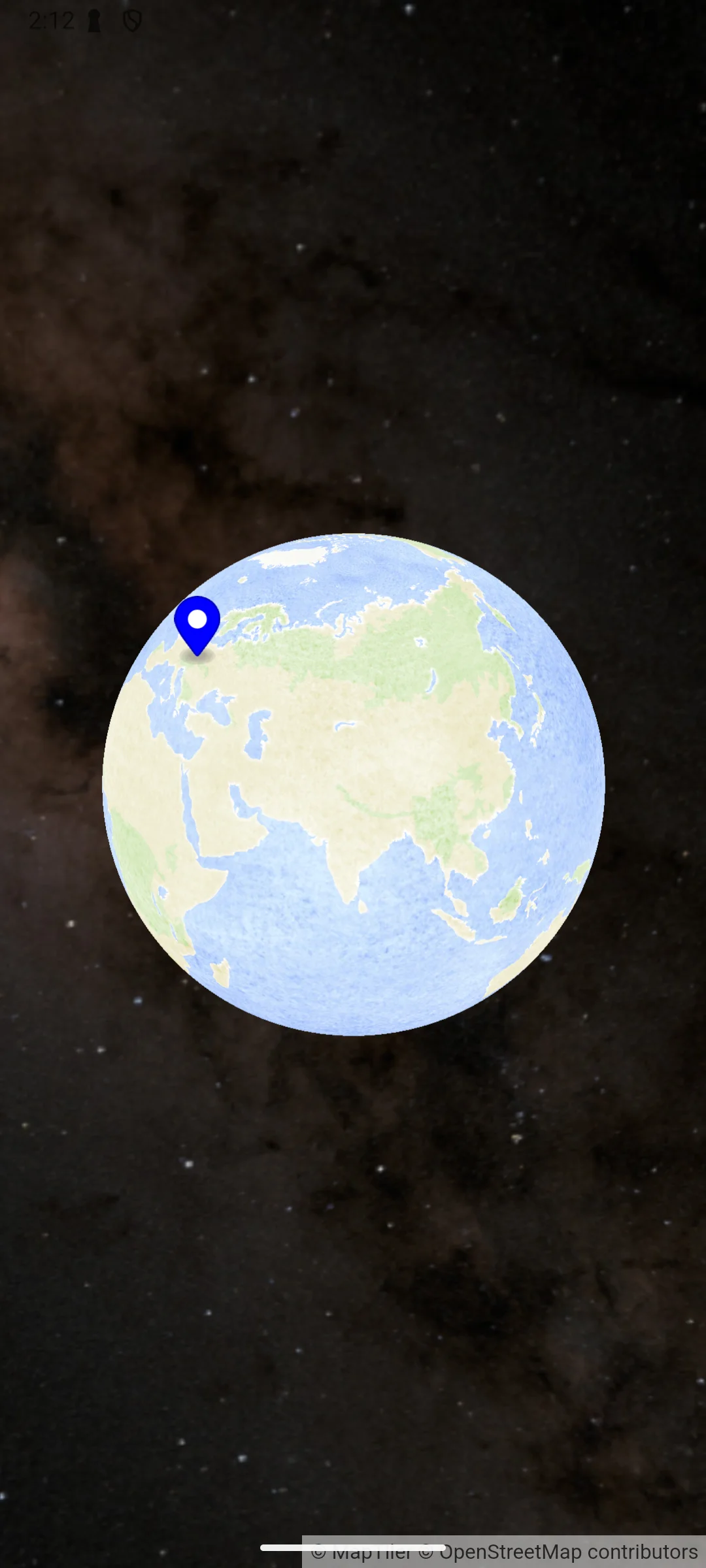
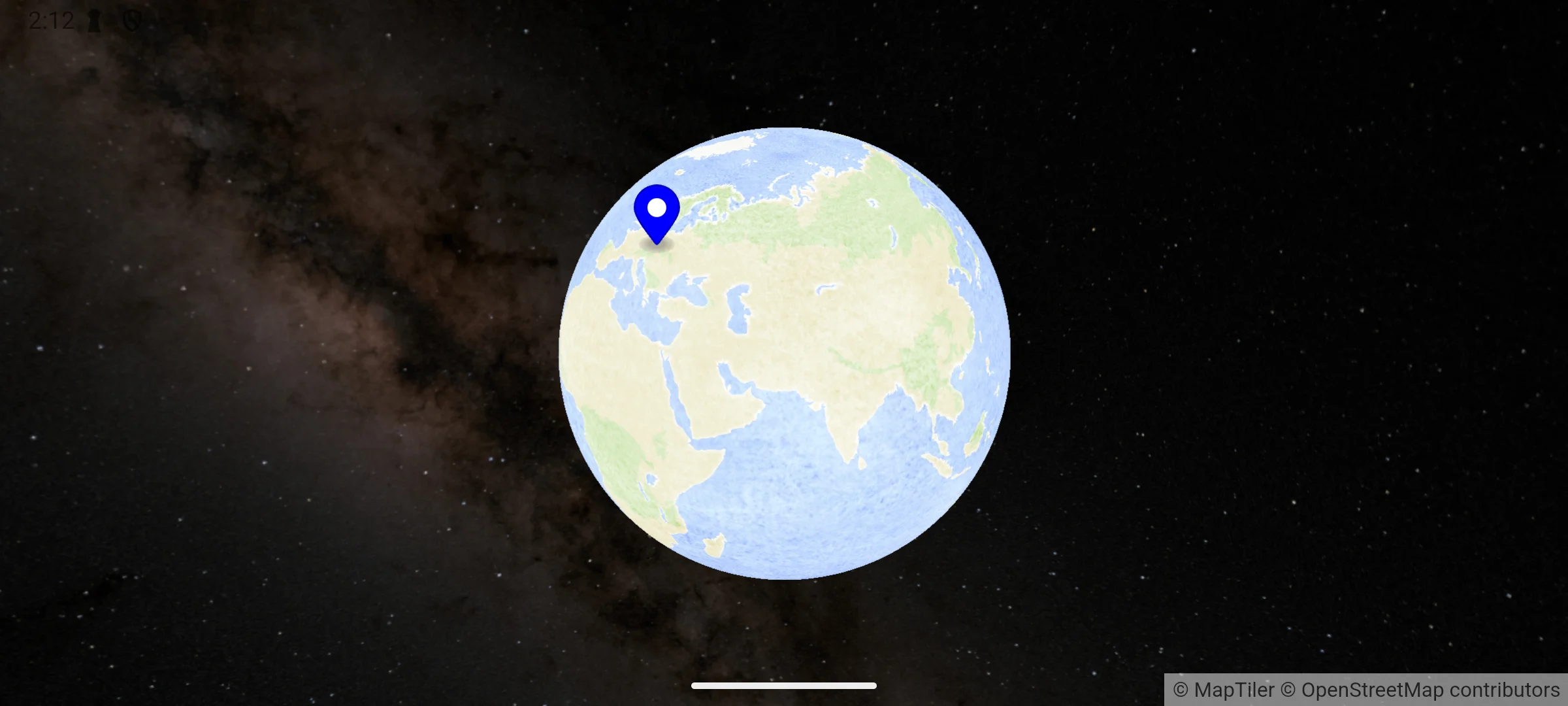
MapTiler SDK Swift also gives you options to change map projection to Globe, add space background behind it and annotate your data with markers.
SwiftUI
@State private var mapView = MTMapView(
options: MTMapOptions(
    center: CLLocationCoordinate2D(latitude: 50.08804, longitude: 14.42076),
    zoom: 3.2,
    projection: .globe,
    space: .config(MTSpace(preset: .milkywayColored))
  )
)
var body: some View {
MTMapViewContainer(map: mapView)
    .referenceStyle(.aquarelle)
    .didInitialize {
      Task {
        await mapView.addMarker(MTMarker(coordinates: CLLocationCoordinate2D(latitude: 50.08804, longitude: 14.42076)))
      }
    }
}
UIKit
let options = MTMapOptions(
  center: CLLocationCoordinate2D(latitude: 50.08804, longitude: 14.42076),
  zoom: 3.2,
  projection: .globe,
  space: .config(MTSpace(preset: .milkywayColored))
)
let mapView = MTMapView(frame: view.bounds, options: options, referenceStyle: .aquarelle)
mapView.delegate = self
view.addSubview(mapView)
func mapViewDidInitialize(_ mapView: MTMapView) {
  let pin = MTMarker(coordinates: CLLocationCoordinate2D(latitude: 50.08804, longitude: 14.42076))
  mapView.addMarker(pin)
}