For AI agents: a documentation index is available at /llms.txt. Markdown versions of all pages are available by appending .md to any URL.
Leaflet with Vite and MapTiler Vector Tiles in vanilla JS (named import)
In this tutorial, you’ll learn how to add a map using Leaflet to your Vite app. Together we will make a simple fullscreen map application as an example of how to use MapTiler maps together with Vite for your own app.
In this example, we will use named imports to import only the specific elements we use in our application.
By the end of this tutorial, you will be able to create a full-screen map.
Getting started
Minimal requirements for completing this tutorial.
-
Basic Vite knowledge. You don’t need a lot of experience using Vite for this tutorial, but you should be familiar with basic concepts and workflow.
-
MapTiler API key. Your MapTiler account access key is on your MapTiler Cloud account page or Get API key for FREE.
-
Leaflet. JavaScript library for building web maps. In this tutorial, you will learn how to install it.
-
Maptiler SDK layer. The L.maptiler.maptilerLayer() plugin is how you display vector tiles in Leaflet JS..
-
Node.js and npm. Necessary to run your Vite app locally. Node.js
Create an app
In this step, we are going to learn how to create a Vite app.
To create a new Vite project, run in your command-line:
npm create vite@latest my-vite-map -- --template vanilla
Navigate to the newly created project folder my-vite-map
cd my-vite-map
Inside the newly created project folder, run npm install to install the dependencies.
To start your local environment, run npm run dev. You will find your app running on address http://localhost:5173/.
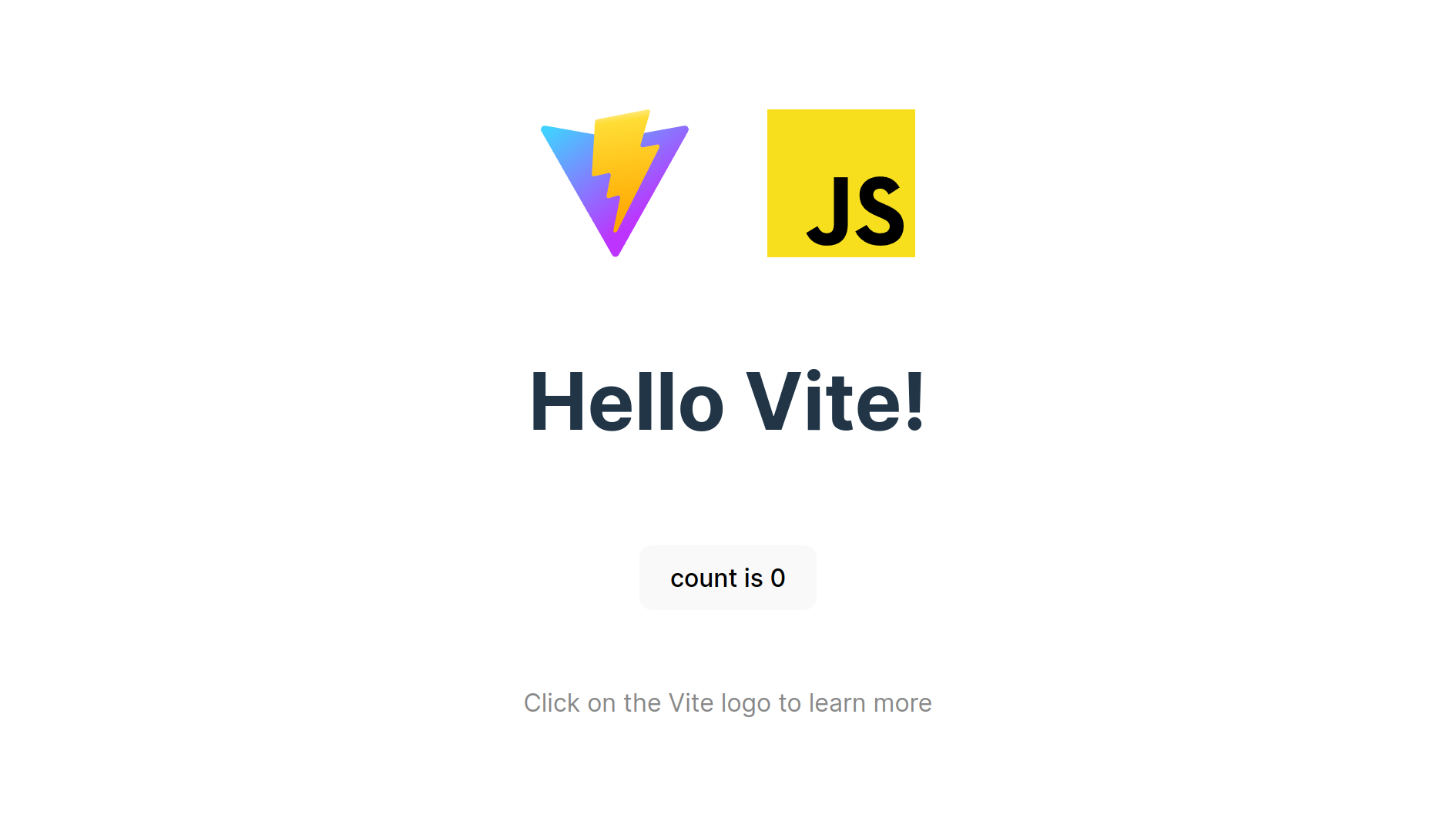
Now you should see the app in your browser.
Installation and setting up
To install Leaflet and Maptiler SDK layer, navigate to your project folder and run the command:
npm i leaflet @maptiler/leaflet-maptilersdk
Navigate to the src folder and replace all the contents of the style.css file with the following lines:
html,
body {
  margin: 0;
}

#app {
  width: 100vw;
  height: 100vh;
}
Replace all the contents of the main.js file with the following lines:
import L from "leaflet";
import "leaflet/dist/leaflet.css";
import "./style.css";
import { MaptilerLayer } from "@maptiler/leaflet-maptilersdk";
import { MapStyle } from "@maptiler/sdk";

function init() {
  const container = document.getElementById("app");

  if (!container) throw new Error('There is no div with the id: "app" ');

  const map = L.map(container, {
    center: L.latLng(33.747305, -84.389774),
    zoom: 16,
  });

  // Create a MapTiler Layer inside Leaflet
  const mtLayer = new MaptilerLayer({
    // Get your free API key at https://cloud.maptiler.com
    apiKey: "YOUR_MAPTILER_API_KEY_HERE",
    style: MapStyle.BASE.DARK,
  }).addTo(map);
}

init();
Replace YOUR_MAPTILER_API_KEY_HERE with your own API key. Make sure to secure the key before you publish it.
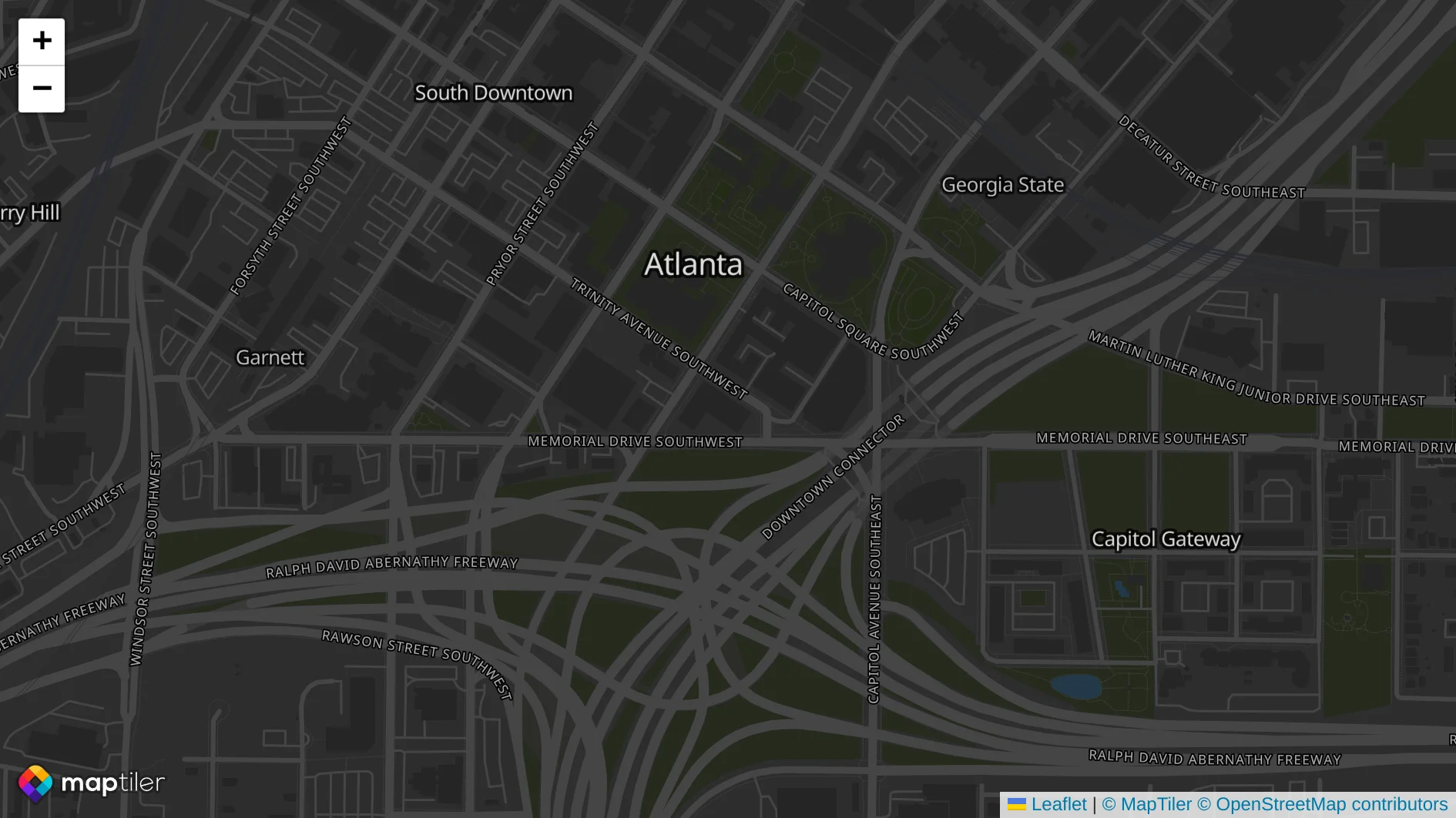
With everything done up until now, you should be able see your beautiful map in your browser.
Once the application is finished, you can export the project for production.
npm run build
Conclusion
Congratulations! You have finished your simple fullscreen map app using Vite + Leaflet.
Useful links
Related examples


Leaflet with Vite (vanilla JS)
TutorialsIntegrate Leaflet and MapTiler Vector Tiles in Vite vanilla JS.